


 Русский

 June 17, 2026
Proxies are intermediary servers that replace the user’s real IP address with another one, masking their location and device. They help access online resources, simulate traffic from different countries, and work with multiple accounts without the risk of bans.
In digital marketing, proxies can be directly used to earn money through traffic arbitrage. In this case, an advertiser buys traffic from one source and redirects it to offers from affiliate programs, earning profits from conversions.
To ensure that advertising systems and CPA networks see «legitimate» traffic and accounts don’t raise suspicion, arbitrageurs use proxies. This article will explain which proxies are best for arbitrage, how to choose and configure them, and how to avoid common mistakes.
Which proxies are needed for arbitrage
Proxies in arbitrage act as a disguise for your internet connection. They help show advertising systems that your traffic is coming from the desired country and protect against blocks.
Residential proxies work best: they use IP addresses of regular users and appear as natural as possible. If you need to work with mobile traffic, mobile proxies for arbitrage are suitable, but they are more expensive.
Top 10 Proxy Services for Arbitrage in 2026
We compiled this ranking to help you choose proxies for traffic arbitrage. We tested various services – checking how stable their operation is, which countries their IP addresses cover, and how well they mask traffic. We also considered reviews from users who have applied these proxies in real arbitrage tasks. The selection includes the best options for working effectively with advertising systems.
PSBProxy
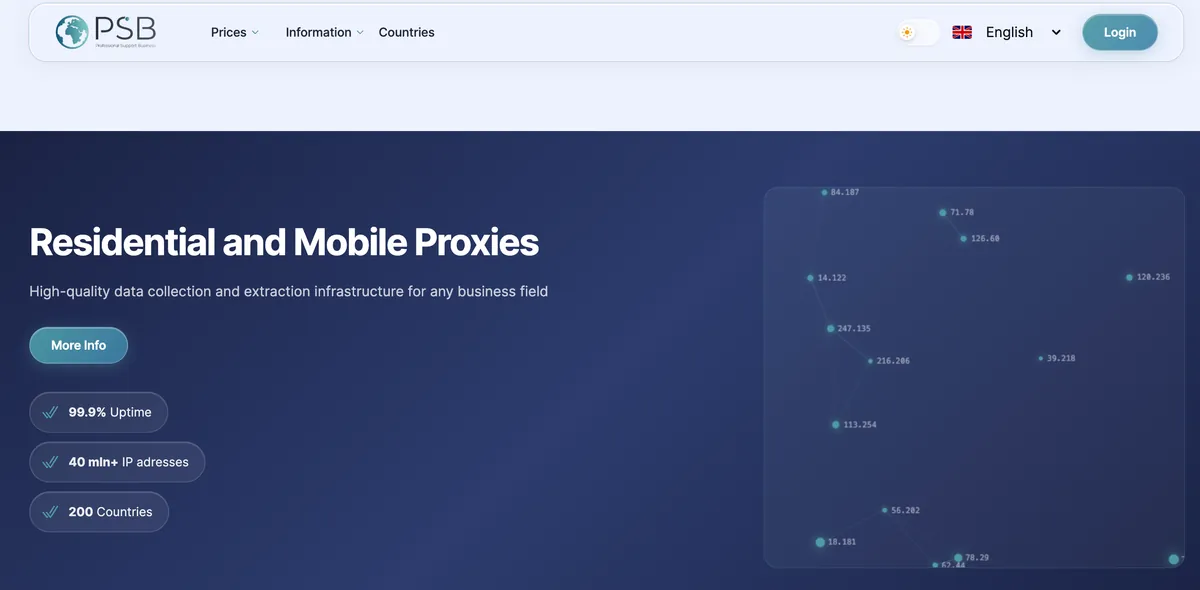
The service offers mobile, residential, and datacenter proxies with high speed and stable connections. IP addresses are available in a wide range of countries, and flexible rotation settings help bypass advertising platform bans. It supports popular HTTP(S) and SOCKS5 protocols, ensuring compatibility with antidetect browsers and most tools used in traffic arbitrage.
Advantages
- Wide selection of proxy types: mobile, residential, datacenter
- High speed and stable uptime
- Flexible rotation by time, request, or session change
- Supports HTTP(S) and SOCKS5 protocols
Disadvantages
- No fully free trial, only short-term test plans
- Interface and documentation available in English only
Pricing
Pricing depends on proxy type and traffic volume:
- Mobile proxies — from $2,1/GB
- Residential proxies— from $1,2/GB
- Datacenter proxies — from $0,7/GB
Asocks
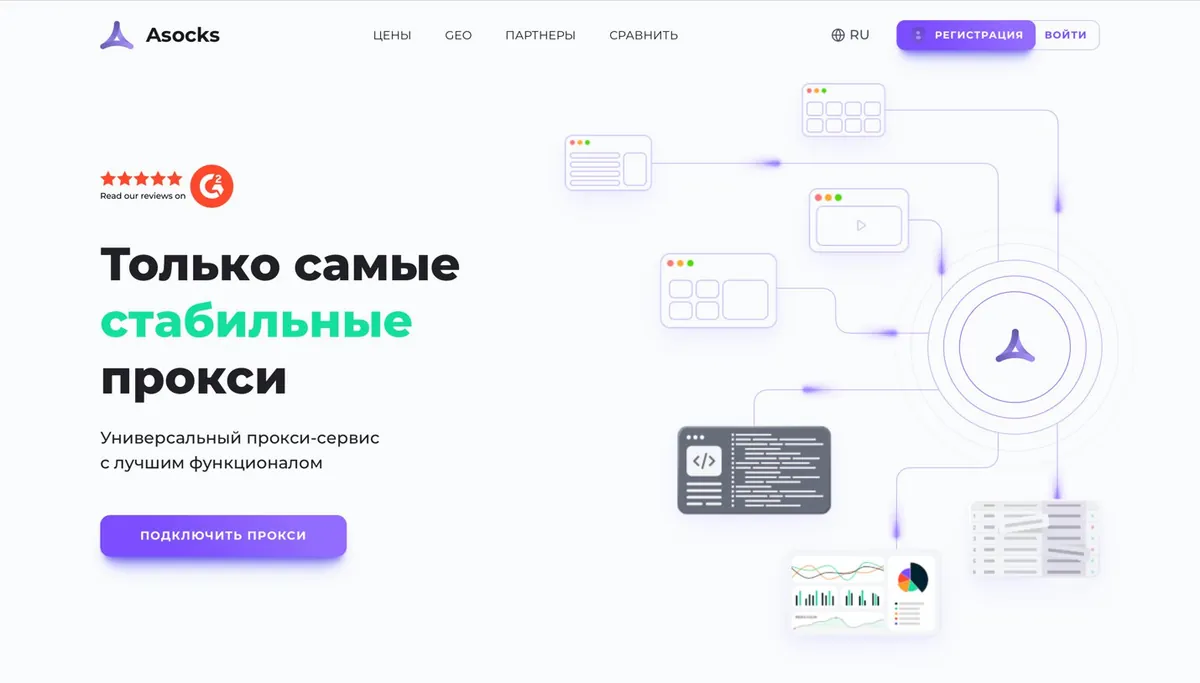
A cloud proxy service offering residential, mobile, and corporate proxies with pay-as-you-go pricing based on actual traffic used. The service has over 7 million IP addresses in 150+ countries, including precise targeting by cities and ASN (Autonomous System Numbers).
Advantages:
- Fixed pricing for all proxy types (residential, mobile, corporate).
- Deep geolocation – selection by country, region, city, and even ISP.
- Convenient personal dashboard with API, traffic statistics, and bulk port creation.
- Supports SOCKS5 and HTTPS – compatible with anti-detect browsers and parsers.
Disadvantages:
- Low speed in some locations.
- Technical glitches – in 0.3% of cases, proxies may not work and require port recreation.
Pricing:
The service operates on both pay-as-you-go and unlimited plans:
- Unlimited – from $95/month.
- Pay-as-you-go – up to $6 per GB.
The larger the order volume, the lower the cost per proxy – price drops from $0.95 to $0.75 per IP.
SX.org
SX.ORG is a proxy marketplace offering mobile, residential, and corporate proxies with global coverage and a pool of over 12 million IP addresses.
Residential and mobile IPs appear as real user traffic, which reduces the risk of bans in advertising accounts. You can configure IP rotation by time, on demand, or upon failure.
Advantages:
- Huge IP pool – over 12 million addresses, including rare GEOs, allowing precise traffic targeting.
- High uptime and regular IP updates to minimize blocks.
- API and user-friendly control panel for proxy management automation.
- Wide selection from various sellers.
Disadvantages:
- Requires caution when choosing proxies.
- No subaccounts with individual limits, which can be inconvenient for teams.
Pricing:
Fixed rates similar to Asocks, offered in two formats – unlimited and pay-as-you-go, starting at $0.45 per GB.

Ake.net
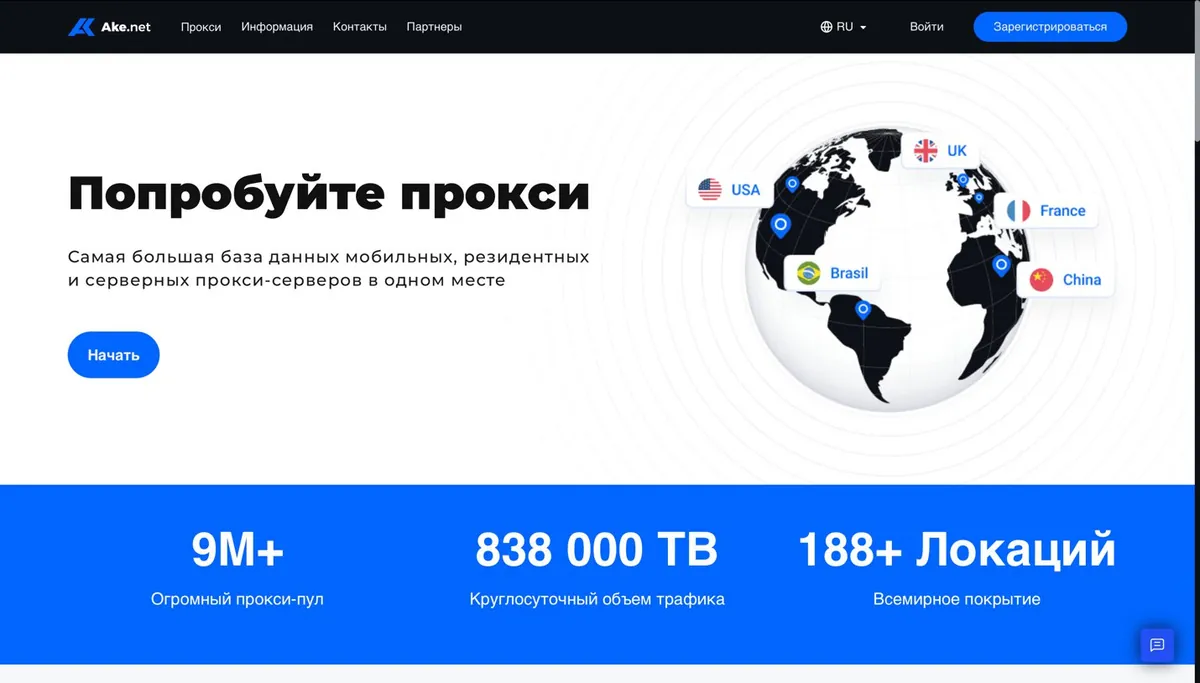
A proxy service offering mobile, residential, and corporate proxies with pay-as-you-go billing. The service covers over 188 countries with precise geotargeting options. IP rotation happens automatically, reducing the risk of blocks in advertising systems.
Advantages:
- Global coverage – 188+ countries, including the USA, Germany, the UK, and other key GEOs.
- Pay only for the traffic you use, no subscription fees.
- Automatic rotation reduces the risk of bans on platforms.
- Convenient for integration with parsers and task automation.
Disadvantages:
- Higher cost compared to data center proxies.
- Setup can be complicated for beginners.
Pricing:
An excellent choice for arbitrage specialists who value clean IPs and stability, but the price may be high for testing campaigns:
- $6/GB (standard rate).
- $4.5/GB when purchasing 1 TB or more.
Balance top-up methods include cryptocurrency (BTC, USDT), bank cards, and payment systems.
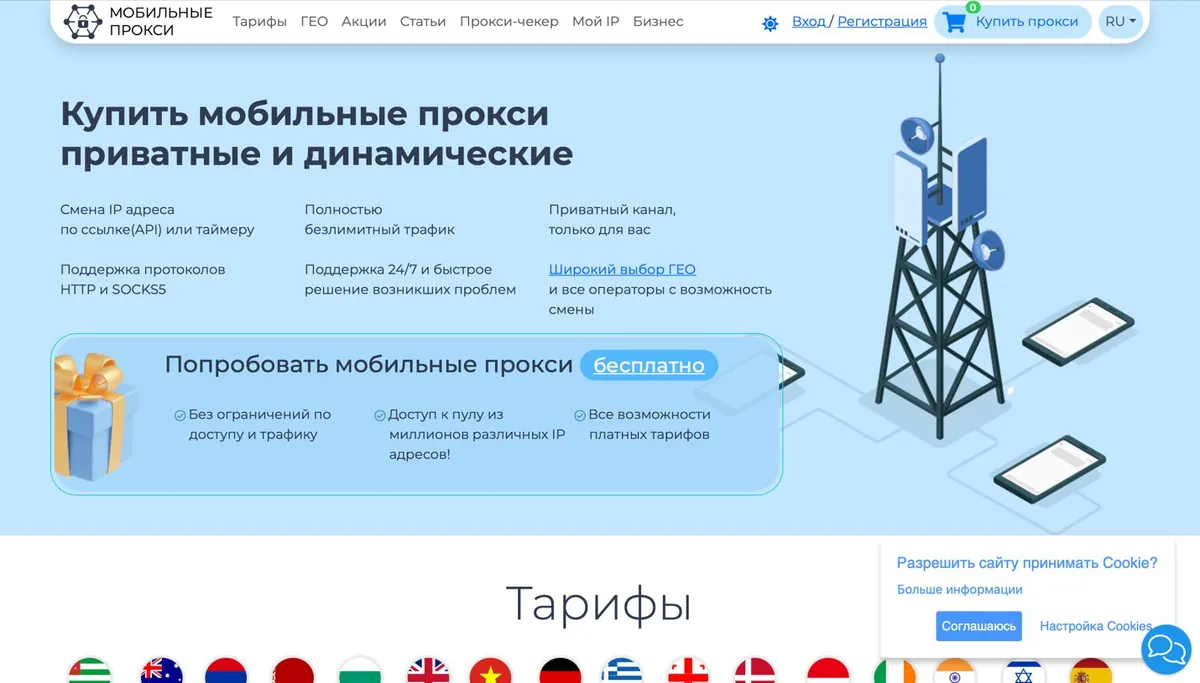
MobileProxy
The service offers private mobile proxies (4G/5G) with dynamic IP rotation via API or timer. It supports 40+ countries and 180 mobile operators, allowing flexible geolocation targeting. IPs from real GSM operators look like traffic from regular users.
Advantages:
- Unlimited traffic suitable for large-scale campaigns and scraping.
- Proxies are dedicated for exclusive use, increasing anonymity.
- Fast switching between countries and operators for precise targeting.
- Supports HTTP/SOCKS5 protocols, compatible with most software.
Disadvantages:
- Some countries are unavailable for targeting.
- Limited choice of operators.
Pricing:
A reliable proxy service for arbitrage but requires a budget. Free trial available for 2 hours, then from 490 RUB/day.
Floppydata
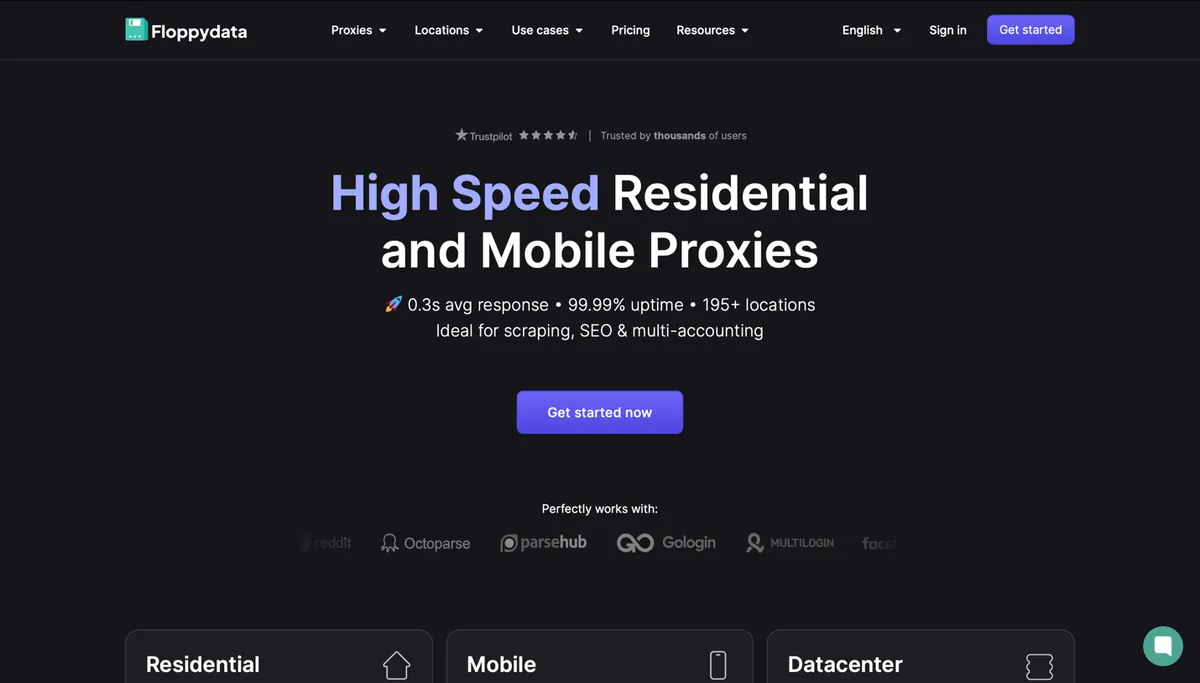
FloppyData is a premium proxy provider specializing in residential, mobile (4G/5G), and datacenter proxies. The service offers 65+ million IP addresses in 195+ countries, automatic rotation, fixed sessions, 99.99% uptime, and an average response time of 0.3 seconds.
Advantages:
- Pay only for the traffic used.
- Access to IPs from 195+ countries, including rare locations (UAE, Nigeria, Singapore).
- High speed and connection stability.
- 24/7 support via website widget.
Disadvantages:
- No free trial for features.
- Interface available only in English.
Pricing:
The service offers mobile, residential, and datacenter proxies starting from $0.9/GB.
iProxy
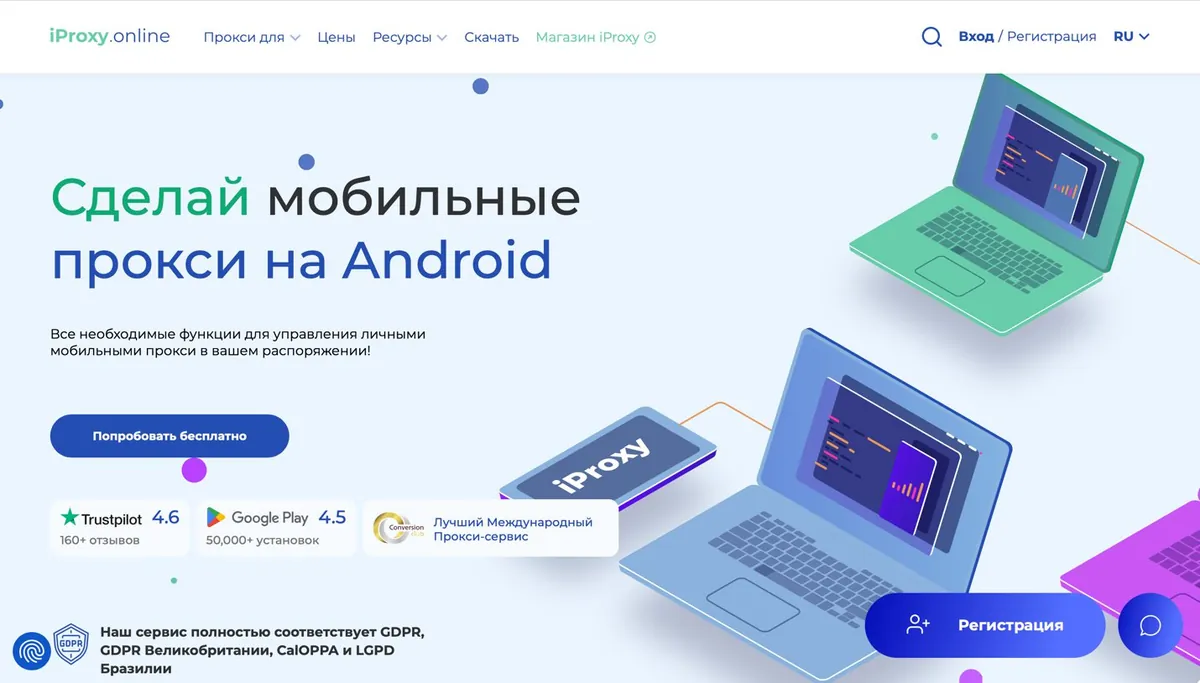
A service that allows creating mobile proxies (3G/4G/5G/LTE) using Android devices. Users can deploy proxies in any country with mobile internet by using local SIM cards. Suitable for multi-accounting, creative testing, and bypassing geo-restrictions.
Advantages:
- Unique mobile IPs from real mobile operators.
- Ability to choose a specific country and operator.
- Flexible IP rotation settings.
- Support for popular protocols SOCKS5 and HTTPS.
Disadvantages:
- Requires manual setup of Android devices.
- Limited speed when using mobile internet.
Pricing:
The service offers three main plans:
- Baby: $6/month, speed up to 5 Mbps.
- BigDaddy: $8/month, speed up to 25 Mbps.
- BigDaddy Pro: $10/month, speed up to 100 Mbps.
Any-page
The service offers mobile and residential proxies with access to IP addresses in 150+ countries. The IP pool exceeds millions of addresses, providing high variability for arbitrage. You can set up IP rotation by timer, API request, or use sticky sessions.
Advantages:
- Server uptime of 99.78%, minimal latency.
- Payment options: pay-as-you-go traffic or unlimited plans with fixed GEO.
- Expert support for proxy setup tailored to arbitrage tasks.
- Integration with parsing tools and ad account management systems.
Disadvantages:
- No free trial, only paid plans.
- Proxy prices for US/Europe IPs can reach up to $6/GB for small volumes.
Pricing:
The more you spend on proxies overall, the lower the cost per GB – down to $0.45.

LTEBOOST
LTEBoost offers mobile (4G/LTE) and residential proxies supporting HTTP(S) and SOCKS5 protocols. The service stands out with flexible IP rotation and coverage of 20+ countries, including the USA, Russia, EU countries, and Asia. Arbitrage proxies are especially valuable as they provide unique IPs for each connection, reducing the risk of blocks in advertising systems.
Advantages:
- IPs from real mobile operators, making detection difficult.
- Up to 5 free tests of 2 hours each per month to check performance.
- Renewal, rotation settings, and support via bot.
- Compatibility with anti-detect browsers.
Disadvantages:
- Waiting time for technical support response.
- Usage prohibited for banking sites and betting platforms.
Pricing:
LTEBoost is a reliable choice for arbitrage with a focus on mobile IPs but requires testing due to speed limitations. Proxy pricing can be selected together with the technical support operator.

AstroProxy
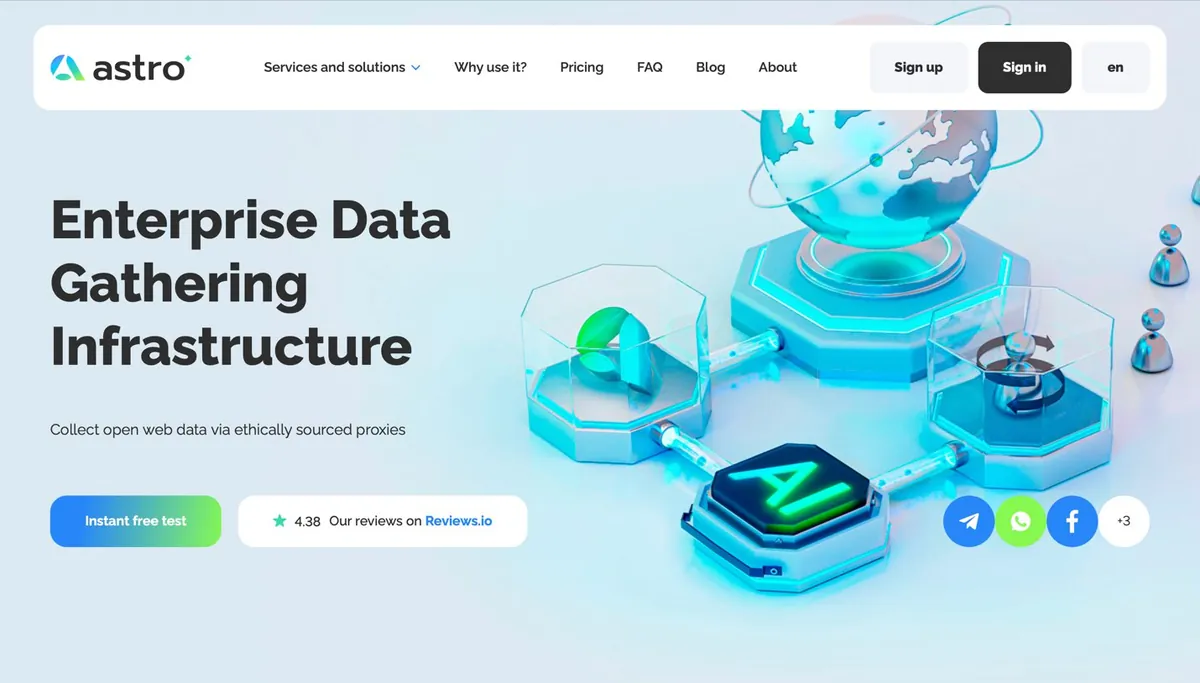
The main focus is providing IP addresses from real users (residential) and mobile operator networks (4G/5G), which ensures a high level of trust from advertising platforms. The coverage includes over 100 countries, including key arbitrage regions such as the USA, Europe, and the CIS. Both manual and automatic IP rotation are supported.
Advantages:
- Legal residential and mobile proxies.
- Ability to purchase the needed volume without overpaying for subscriptions.
- Wide selection of countries suitable for geo-targeting.
- Support team assists with setup and connection issues.
Disadvantages:
- Account verification (KYC) is required.
- No unlimited plans available.
Pricing:
The cost per GB starts at $3.65/GB for data center proxies, up to $13.14/GB. The average price is about $0.30 per port.
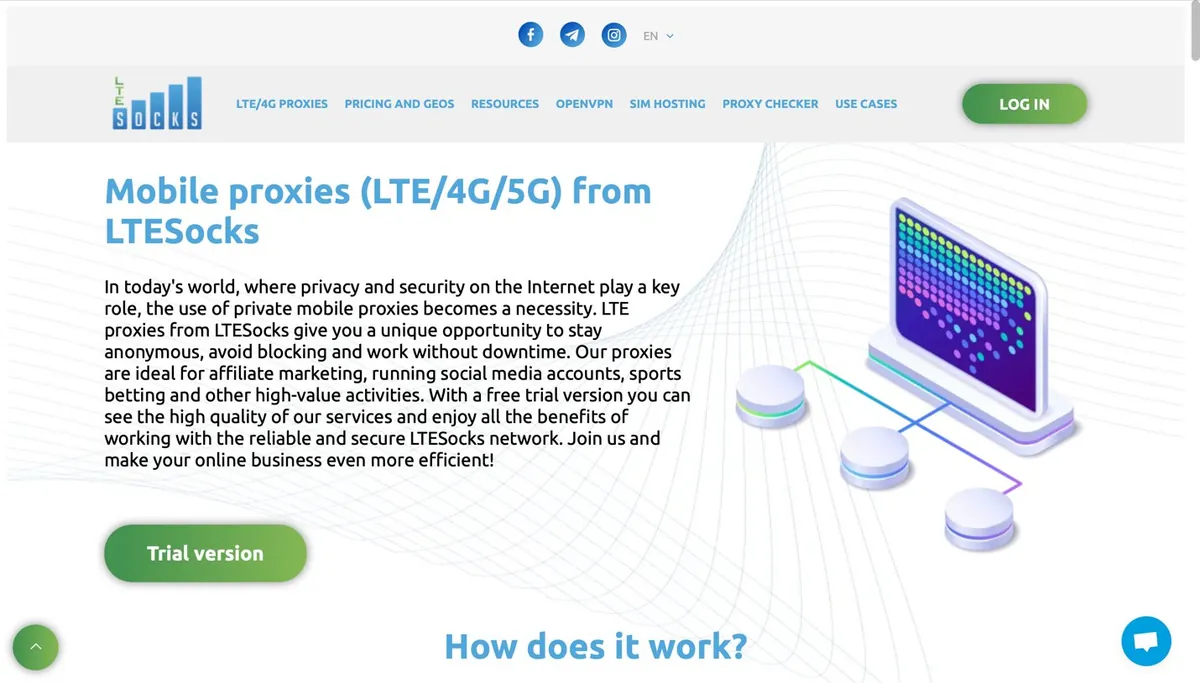
LTESocks
LTESocks specializes in mobile proxies (LTE/4G/5G) that use IP addresses from real mobile operators. This provides a high level of trust from advertising platforms and anti-fraud systems.
Advantages:
- IPs from real mobile operators are harder to distinguish from regular user traffic.
- Unlimited traffic for a dedicated period.
- IP rotation can be configured by time or on demand, useful for working with ad accounts.
- Convenient proxy management and integration with arbitrage tools.
Disadvantages:
- Fully English-language interface.
- Some countries are only available on premium plans.
Pricing:
Payment is allocated for a specific period – from 1 day to 1 month – with a free trial plan available for $1. Minimum cost is $1.7 per port per day.
How to Choose Proxies for Specific Traffic Arbitrage
Choosing proxies for arbitrage depends on several factors that should be tailored to the specific task. First of all, it’s important to determine the type of traffic – LTE/4G proxies that simulate connections through mobile operators work better for mobile offers, while resident or data center proxies are more suitable for desktop campaigns. The proxy’s geolocation must precisely match the target audience – IPs from the wrong region can lead to ad account blocks.
If you plan mass account registrations or work with multi-landing pages, the ability to quickly rotate IPs is crucial. For test campaigns, inexpensive data center proxies can be used, while for scaling, more reliable but costly resident or mobile proxies are preferable.
Also, pay attention to bandwidth and connection stability – slow proxies can distort data and reduce conversions. Ideally, test several options before the full launch to find the best balance between cost and performance.
If done right, the traffic will appear «clean», and advertising platforms will function correctly. For testing, it’s a good idea to start with proxies for a short period or use free trials offered by most services in the ranking.
Proxy Setup for Arbitrage
First, decide which type of traffic you will use: mobile or desktop. This choice affects the type of proxy you select. For example, mobile traffic is best served by proxies that simulate connections via cellular networks.
The IP address should be from the country where your traffic is targeted; otherwise, advertising systems will quickly notice the mismatch. If you plan to work with many accounts or bypass restrictions, it’s worth setting up automatic IP rotation. For stable tasks, such as managing ad accounts, it’s better to use fixed IP addresses.
Before launching fully, be sure to check how the proxy performs: whether there are interruptions, if the location is detected correctly, and if access to required resources is not blocked. Many services allow you to test the connection before purchase – take advantage of this.
The main thing is that the settings match your goals. Don’t choose complex solutions for simple campaigns, but also don’t skimp on quality when reliability is needed. Start with tests and gradually select the optimal option.
Common Mistakes and How to Avoid Them
Even experienced arbitrage specialists make mistakes when working with proxies, but most of them can be avoided if you know what to pay attention to.
- The first common problem is choosing the wrong type of proxy. For example, when someone uses data-center proxies for tasks where IP «cleanliness» is critical, leading to account bans. The solution is simple: select proxies according to the specific task. For work with advertising platforms, resident or mobile proxies are better, while simpler tasks can use more basic options.
- The second mistake is skimping on testing. Some immediately buy long-term plans without checking how the proxy performs in practice.
- The third issue is neglecting configuration details. It’s important to check for DNS leaks, correct geolocation, and how often the IP changes if rotation is used.
- Another point is underestimating the scale. Weak proxies are not suitable for large traffic volumes, which may cause connection drops and data loss. Plan your load in advance and choose a service with capacity to spare.
We have covered key points for choosing and setting up proxies for arbitrage and compiled trusted options in the ranking. We hope this information helps you find the right solution for your needs.
Don’t be afraid to test, compare, and adjust settings for specific campaigns. Good luck with your professional growth!