

 Русский

 January 3, 2026
In the digital space, proxy servers are used to protect personal data, prevent information leaks, enable faster access to information, and reach blocked resources. Understanding the architecture, configuration principles, differences between types, and protocols helps web users choose the right type and use it effectively for various tasks.
What Is a Proxy Server in Simple Terms
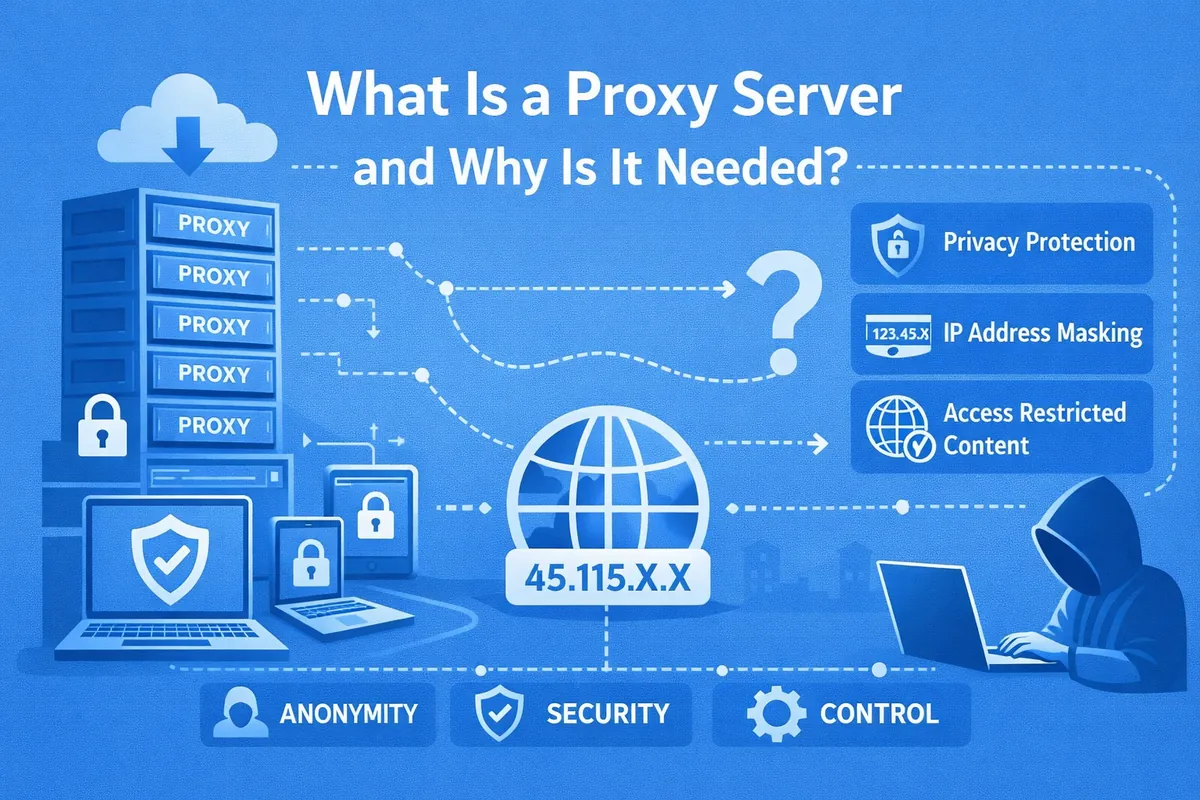
It is an intermediary between the user and the target server that redirects traffic to web resources while preserving confidentiality. With a direct connection, the internet provider and the website can see the real address and request time; when traffic passes through an intermediate node, identifying data is hidden. In addition, it changes the original geolocation and provides a new IP address. Its functionality is much broader, since the architecture is built around optimizing workflows and security. Depending on the type and settings, it:
- speeds up loading and analyzes traffic;
- blocks ads and suspicious requests;
- stores copies of frequently requested pages;
- compresses and filters content;
- restricts access to specific websites by time and other parameters;
- provides access to blocked resources;
- saves network bandwidth;
- distributes requests between nodes;
- supports logging and privacy policies;
- encryption protocols (SSL Bump for HTTPS) protect against malicious DDoS attacks.
How an Intermediary Server Works: Step-by-Step Algorithm
The operating principle consists of delivering stored information from the cache obtained through buffering—data exchange for temporary storage—or sending a request to an external server. The process is as follows:
- To open a web page, an HTTP/HTTPS request enters a digital port — an information identifier for a specific IP address.
- The server checks authentication via Basic, Digest, NTLM, or login and password. If authorization is missing, it returns an error.
- The system, operating according to the “request–response” scheme, checks whether a copy exists in the local cache. If the storage period has not expired, it instantly sends the data to the user’s device without contacting the external server. If the cache is outdated or the request is new, it changes the address and then sends the modified traffic to the web resource.
- The received response, after decryption, is checked for malicious scripts and advertising is blocked. After caching, it is transmitted through an encrypted channel.
What a Proxy Hides and What It Leaves Visible
A digital intermediary does not show the IP address of the source of the direct connection, does not reveal the proxy identity, and indicates a false geolocation. However, due to non-compliance with security measures, digital traces remain on the network that can reveal personal data. When data is transmitted over unencrypted HTTP and a secure tunnel is not used, traffic is available for interception and viewing by the exit node.
With incorrect DNS configuration via DoH/DoT channels, requests bypass ports and leave the requested domains visible. Anonymity is also not preserved when the provider logs activity. If a proxy collects statistics, it also knows the subscriber’s address. Identifying information is revealed by cookies, WebRTC leaks, and metadata. However, when choosing a secure server with a no-logs policy, the problem is successfully resolved.
Information confidentiality depends on configuration. For full privacy, users employ a chain of intermediary nodes that complicate tracking the sender. Each node receives the connection from the previous server and forwards it further, and the website sees only the final data.
How the Server Changes the IP Address and Bypasses Blocks
The problem of geo-blocking is solved by changing the address, which consists of a network number and a node number. It determines the location, internet provider number, and PC. To remove access restrictions to a portal at the country level, it is sufficient to change the geographical location. When requests from a device pass through an intermediary center, it forwards them to the web resource on its own behalf. Protection systems do not have time to build user statistics and respond to the connections. To diversify risks, it is enough to change the entry server and authenticate in a new account.
Types of Proxies: Classification
Intermediary nodes differ by functions, protocols, level of confidentiality, and type of infrastructure.
Classification by Hosting Type
Mobile proxies operate on the basis of IP addresses of mobile operators in 3G–5G networks. They are suitable for various tasks where high confidentiality is a priority, such as parsing, application testing, and bypassing geo-blocking. Due to the specifics of the connection, the speed is not always high, and traffic limits are also possible.
Residential proxies with a high level of anonymity are used with local providers and are tied to subscriber IP addresses. They are characterized by a stable connection, are trusted by websites, and are rarely blocked. Connection speed depends on the performance of the ISP network. A residential server is effective for bypassing anti-bot systems, as well as for SEO, parsing, competitor website monitoring, and marketing analysis.
Datacenter proxies operate on the basis of addresses belonging to hosting providers and companies with data centers (DCs). They transmit masked requests from AWS, OVH, Hetzner with high response speed. They are suitable for parallel requests, technical audits, data collection, and basic parsing. In terms of anonymity, they are inferior to the previous two types and do not always cope with bot protection.
By Data Protocol
This classification determines the degree of network interaction with the intermediary and the types of supported traffic.
- HTTP is suitable for websites operating on text transfer protocols, as well as for web surfing and mass parsing. Due to the lack of encryption, it does not guarantee information security, which significantly increases network vulnerability.
- HTTPS, in order to enhance security in the digital environment, operates via the cryptographic TLS protocol. End-to-end traffic encryption guarantees confidentiality. Integration with SSL protects bank card data and other private information from attackers.
- SOCKS protocol creates a TCP connection for traffic routing/tunneling. This method allows data exchange when connecting directly to a single network through encapsulation of different protocols. The IP tunnel transmits information in packets and is considered the most reliable.
By Degree of Anonymity
This systematization shows what information about the network intermediary and the user is exposed. This is important for parsing and SEO automation.
- Transparent proxy does not change personal data and provides minimal privacy. A transparent server with direct connection via a router is suitable for infrastructure/internal tasks, as well as caching and filtering.
- Anonymous proxy modifies HTTP headers and the user’s address but does not hide the fact of connection through an intermediary node. This type is used for websites without strict blocking and for basic automated data collection.
- High-anonymity proxy hides all information, including signs of intermediary use. Elite proxies are chosen for flexible IP rotation, SEO, analytics, parsing, and multiple sessions.
Why a network node is needed
The functional capabilities make the intermediary a universal tool for use in corporate and educational networks. Routers and switches track client data, collect traffic information by type (video, mail, games) and by groups in order to identify resource consumption. Monitoring protocols (NetFlow, sFlow, SNMP) record statistics in real time. After analysis, administrators limit bandwidth or prohibit visits to specific portals. Speed limiting, blocking streaming video and torrents, and parallelization of requests help avoid network overloads. Traffic prioritization (QoS) opens educational portals without delays, while less important ones are handled in order of priority.
For business and work
Arbitrage specialists and marketers use an intermediate connection to analyze competitors and conduct large-scale marketing research. It is also suitable for collecting information from one or several websites at once that are protected from parasitic traffic generated by network scanners or tracers. Companies with large staffs connect multiple servers to distribute the load and improve response speed to requests. Analysis helps to effectively configure targeting and promote goods and services.
Proxy for SEO
Specialists use an intermediate node for the following purposes:
- regional monitoring;
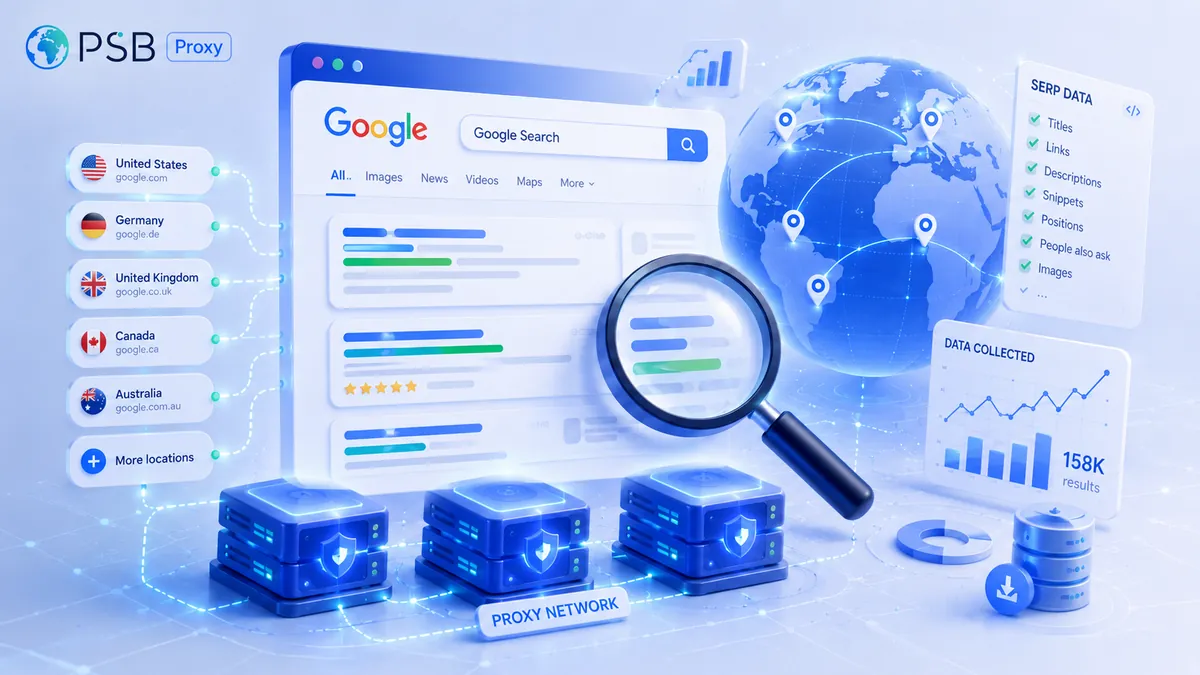
- analysis of search results (SERP) by keywords;
- parsing: structures of competitors’ resources, content, catalogs, and prices;
- collecting data for link building;
- indexation control;
- bypassing limits.
Features of choosing a proxy server
It starts with requirements for anonymity, calculation of the number of requests/sessions, and connection stability. First, the purpose and type of placement (protocol) are determined:
- for data protection, an SSL proxy is more suitable;
- for information scanning and instant loading without claims to high anonymity — the HTTP protocol;
- for large-scale parsing and solving non-standard tasks — HTTPS or SOCKS5;
- for interaction with accounts — the elite type;
- for high load — rotational;
- for technical SEO audit — data center;
- for interaction with marketplaces — mobile/residential;
- for surfing — a simple CGI server or an online extension.
Availability of addresses is no less important. Public or free open proxies can be found on resources that periodically publish lists. However, they are slow and unreliable. Private (dedicated and shared) connect to websites faster and more securely. Companies providing private servers also offer WAF, VPN, and other services.
Work quality is a priority. When choosing, attention is paid to response speed, uptime not lower than 99%, limits, trial period, and technical support. The next point is geolocation. It is known that access to blocked platforms/social networks can be obtained through a connecting node with geographic binding. This is critical for correct regional results, studying product assortments, and catalog structure. Therefore, the closer it is located, the higher the internet connection speed.
Choosing a rental method
For SEO, parsing, and analytics, individual (Dedicated) is preferable. Shared (Shared) with a limited budget is suitable for general use: solving test tasks, opening simple resources. For one-time sessions, proxies are rented for an hour, for short projects — for a day, for permanent work — for a month/year.
Possible mistakes and risks
The most common ones:
- Renting shared hosting for accounts with the prospect of losing access due to impending blocks.
- Incorrect choice of tariff for specific tasks.
- Irrational payment for traffic with a limited number of sessions/requests.
- Using a static address for mass parsing. This threatens various restrictions and getting banned.
- Ignoring scaling. When the tariff or proxy type does not allow increasing the volume of requests, there is a need to replace the network infrastructure.
Proxy setup: general principle
Regardless of the browser or script, system configuration follows the same scheme. In Chrome, Edge, and Safari it is provided by default. Installing an extension (FoxyProxy) helps switch the server when necessary or configure it separately for different resources without changing the general OS settings. The scheme for manual setup for Windows:
- go to the Settings section;
- find Network → Proxy server → Configure button → click Use a server;
- enter the IP address, the number of the digital identifier (port), the host name, and save the settings.
Then open a browser, go to any website, and complete identification in the window that appears. After that, make sure there are no authorization errors, the geolocation is correct, and check the speed and stability of the connection. In case of rental, the provider configures the proxy themselves and checks the security of the connection.