

 Русский

 March 23, 2026
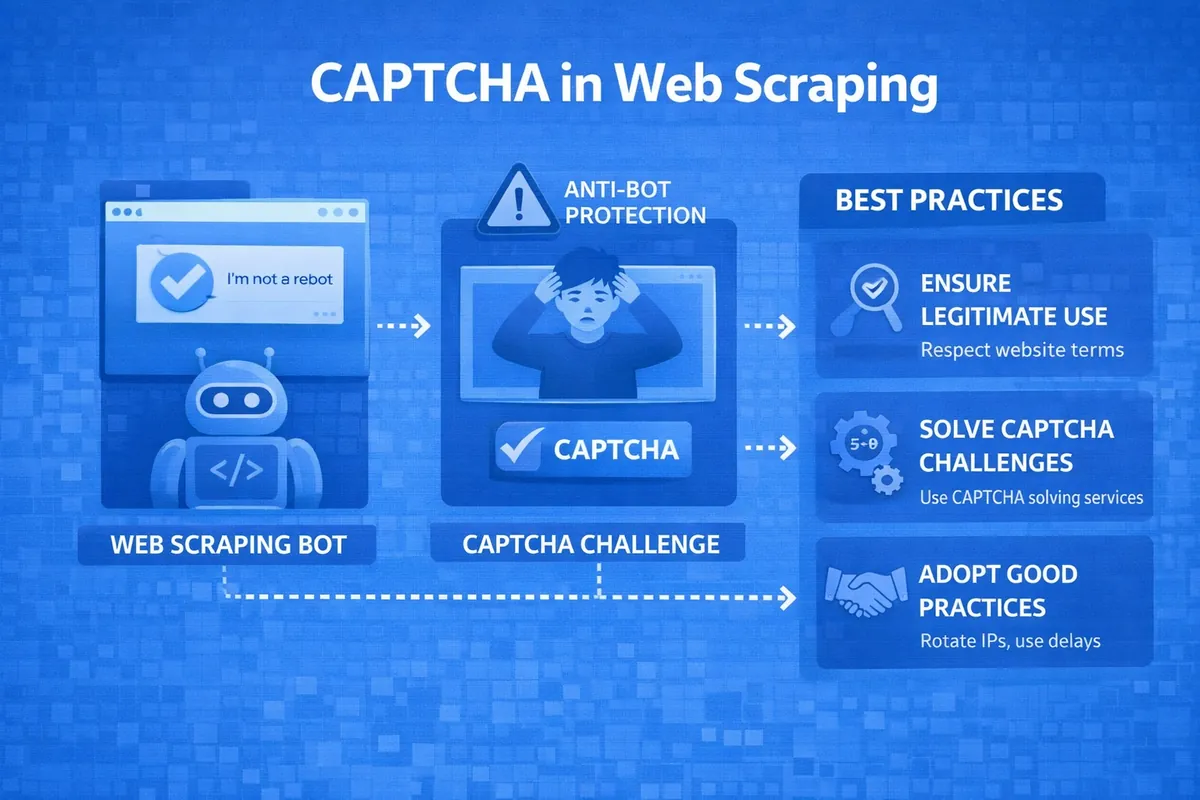
Data scraping is currently seen by IT experts and users far from programming as a constant race between bot developers and website owners. One of the main protective barriers that automated systems try to overcome, and developers try to strengthen, is CAPTCHA. Anyone who has ever collected data, even from a small website, knows that the question "how to bypass CAPTCHA" has always been the center of attention. After all, if this procedure is not completed, the scraper becomes a useless piece of code that hits a wall of checks. This article will discuss strategies that actually work and will help you pass CAPTCHA challenges without wasting money on endless useless experiments.
What Is CAPTCHA?
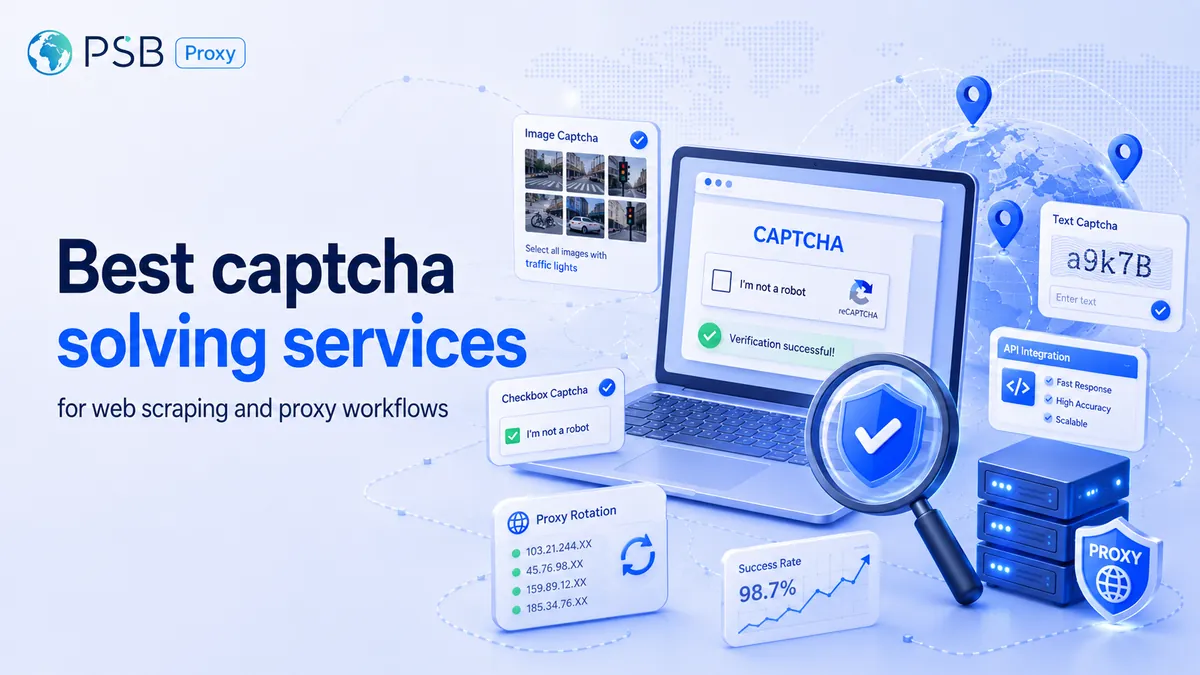
CAPTCHA is an automated test designed to distinguish a real person from a robot. For website owners, this is the main filter that protects against spam, brute force attacks, and fake activity, while for various scrapers, it is a showstopper.
The following types of CAPTCHAs are currently significantly hindering scraping:
- Text-based (distorted characters). This type is outdated but still used on some websites. It is difficult to recognize due to heavy distortion.
- Google reCAPTCHA v2. Currently one of the most popular — it asks users to select squares with storefronts or traffic lights.
- Google reCAPTCHA v3. Invisible to the user, it evaluates their behavior on the site and assigns a corresponding score.
- Hcaptcha. An analog of reCAPTCHA, but cheaper and more privacy-focused compared to Google's product.
- CloudFlare Turnstile. A smart challenge that analyzes the session and browser data.
Strategy 1: How to Make CAPTCHA Not Appear at All
The best and cheapest way to bypass CAPTCHA is to make it not appear at all. This works according to the following principles:
- Rate limiting. Instead of 100 requests per second, perform 2-3 with random delays (time.sleep).
- User emulation. Scraping is done through a real browser rather than a bare HTTP request, which a site might interpret as a bot attack and show such a "user" a CAPTCHA to check if they are a robot.
- Header configuration. It is necessary to send correct User-Agent, Accept-Language, and many other headers.
This strategy is ideal for sites that only show CAPTCHA to those who are deemed "suspicious" — those using proxies, making many requests per second, or not loading styles or scripts. If after all of the above CAPTCHA still appears, it makes sense to move on to other strategies.
Strategy 2: Bypassing CAPTCHA Through Recognition Services
If CAPTCHA has already appeared on the screen, the simplest programmatic way to solve it is to outsource the image or task to specialized services. They work as follows: the scraper intercepts the CAPTCHA image or audio file, sends it via API to a recognition service, where it is solved either by a neural network or by a human for pennies. You receive a token or text to send to the site, which is then either inserted into the CAPTCHA code on the page or into the input field for the solved CAPTCHA response.
Popular CAPTCHA solving services include:
- 2Captcha / RuCaptcha. Considered the most well-known, they support reCAPTCHA, Hcaptcha, and regular text. They operate on the principle of human CAPTCHA solving.
- Anti-Captcha. A similar service with a good API and low prices for large volumes of CAPTCHAs.
- CapSolver. A modern service specializing in solving complex challenges using artificial intelligence.
The advantages of this strategy are:
- High success rate (99% of CAPTCHAs are solved successfully);
- Ease of integration (APIs of such services have libraries for various programming languages).
However, behind the advantages lie disadvantages:
- The need to invest a significant amount of money in the case of large volumes of solved CAPTCHAs;
- Solving speed takes from 5 to 30 seconds, which slows down scraping.
Strategy 3: Using Browser Emulators
Modern CAPTCHAs (especially reCAPTCHA v3) analyze not only what the user does but also the digital fingerprint of their browser. They can check whether you have cookies, how the mouse moved while interacting with the site, and whether the browser is running in headless mode. The use of emulators is necessary to create these very actions — simple Python code cannot move a mouse or store browser history like a human can.
The following tools are used for such purposes:
- Puppeteer (Node.js). Controls the Chrome browser.
- Playwright. Works with Chromium, Firefox, and Webkit browsers.
- Selenium. Considered a classic, but because of this, it is easier to detect.
They work on the following principle — a built-in script moves the mouse cursor along realistic trajectories and makes clicks with delays. In short, it simulates the actions of a real user to pass CAPTCHA through behavior analysis.
The advantages of this strategy are:
- Less frequent triggering of invisible CAPTCHAs.
- The ability to bypass complex JS protection systems.
The disadvantages of this strategy are:
- Resource intensity. The browser consumes a lot of RAM and CPU resources.
- Difficulty scaling. To run, for example, 100 browsers, you would need several dozen working machines.
Strategy 4: Proxy Rotation as a Method of "Avoiding" CAPTCHA
Often, CAPTCHA is tied not to your behavior but to your IP address. If 1000 requests are made from it, the site will certainly mark the address as suspicious and trigger a CAPTCHA to check whether the user is a robot.
The essence of this strategy is as follows — a pool of proxy servers is taken. If CAPTCHA starts appearing from the current IP, the scraper automatically takes the next address from this pool.

This is accomplished by purchasing public and private proxies, as well as checking them using specialized proxy managers.
The advantages of the proxy rotation method are:
- Simplicity of implementation. For this strategy, simply purchasing a pool of proxies is sufficient, which can currently cost a programmer a relatively small amount of money.
- It allows you to avoid spending money on expensive CAPTCHA recognition services for a long time.
However, this strategy also has disadvantages. They are as follows:
- Inability to protect against smart CAPTCHA with behavior analysis — the digital fingerprint simply does not have time to be established.
- Proxy quality may not be ideal, and some addresses may either remain non-functional or be unsuitable for scraping.
Comparison of Strategies: What to Choose for Your Project
The choice among the four strategies, each presented above, depends on your goals and budget.
- If the site is simple and practically unprotected, then Strategy 1 (rate limiting) and Strategy 4 (proxy rotation) are sufficient. This approach will be the cheapest, yet effective for sites of this type.
- If you need to collect a large amount of data, for example, from a marketplace, then the ideal option would be a combination of a browser emulator (Strategy 3) with proxy rotation (Strategy 4). Then CAPTCHA will be reduced to almost a minimum.
- If CAPTCHA appears inevitably, then the only optimal, albeit costly, approach is Strategy 2 — connecting recognition services to this task. The fact is that it is easier to immediately send the protective image for recognition to professionals in their field than to run away from it and then encounter CAPTCHAs much more often than usual.
Step-by-Step Plan: How to Integrate CAPTCHA Bypass into Your Scraper
If you want to reliably pass CAPTCHA challenges under any conditions, it is better to use a combined approach:
- Analyze the type of CAPTCHA on the target site (reCAPTCHA, CloudFlare, or a simple image).
- Prepare the infrastructure — it is worth purchasing high-quality residential or mobile proxies, but not taking data center ones.
- Perform emulation by writing a script for an emulator with a mode to hide headless mode — this will help you avoid the unwanted appearance of CAPTCHA on site pages too often.
- Configure detection logic to stop collection when a CAPTCHA element (iframe or image) appears on the page.
- Integrate with a CAPTCHA recognition service so that the CAPTCHA code from the site page is automatically sent via API to servers where it is solved either by a human or AI, and the finished result is sent back to insert the token into the required field on the form.
- If CAPTCHA starts appearing frequently, configure proxy rotation after every 5-10 requests or when errors occur.
- Regularly monitor the scraper logs and the balance in the recognition service.
Conclusion
It is important to understand that there has never been, and never will be, a universal solution to the question "how to bypass CAPTCHA." After all, what worked on one site today may stop working tomorrow due to changes in the protection algorithm. The approach that actually works at the moment is a combination of methods consisting of:
- Minimizing risks through proxies and behavioral emulators.
- Solving the inevitable in the form of complex CAPTCHAs through professional services.
By integrating the strategies described above into your scraper, you will be able to successfully collect data even from resources that are reliably protected, reducing CAPTCHA costs to a reasonable minimum.