

 Русский

 March 18, 2026
Proxy servers are used for a wide variety of tasks: web scraping, automated tests, working with multiple sessions, checking search results and distributing requests between different IPs. But when there are many proxies, managing them manually becomes inconvenient. This is why Proxy API is needed — a program interface that allows you to automatically obtain proxies, configure IP rotation, manage sessions, geolocation and limits through code. This approach simplifies scaling and eliminates manual configuration in tasks where speed, flexibility and control are important.
What is Proxy API: basic concepts and structure
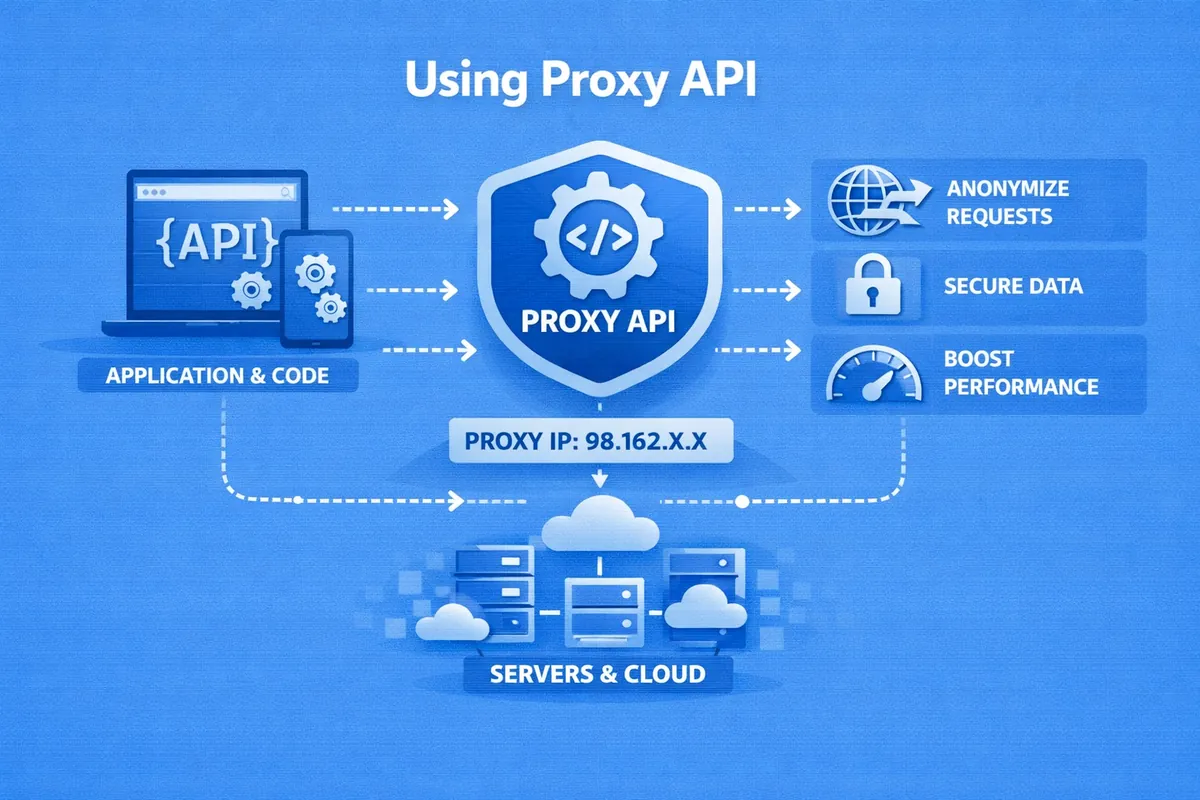
Proxy API is a program interface through which an application or script can automatically manage proxy infrastructure without manual configuration. Simply put, instead of manually issuing an IP address, port, login, session type or rotation parameters every time, the system accesses the provider's API and obtains all the necessary data itself.
This approach is especially convenient when proxies are used in large quantities — for example, for scraping, automated tests, checking search results, working with multiple sessions or distributing load between different IPs. Through Proxy API you can usually obtain available proxies, set rotation parameters, select geolocation, manage sticky sessions, update IP and monitor traffic or connection limits.
It works quite simply. The client application sends a request to the provider's API, and in response receives connection parameters or a command to change an already active configuration. For example, the API may return:
- IP address and port;
- login and password for connection;
- proxy type;
- country or region;
- session identifier;
- rotation status or information on limits.
In more advanced scenarios, Proxy API allows not just obtaining a list of proxies, but dynamically managing them depending on the task. For example, requesting a new IP before the next scraping cycle, maintaining the same address within a sticky session, limiting the number of active connections or switching the user to another pool of addresses when a limit is reached.
That is why Proxy API is first of all not a «proxy server as such», but an automation layer that helps manage proxy issuance, rotation, sessions and restrictions through code, quickly and without manual routine.
 Typical API methods (endpoints)
An endpoint is a specific URL that an application accesses to obtain data or perform an action. In Proxy API, through such points they usually obtain proxies, launch rotation, create sessions, update limits or request statistics.
Most often, standard HTTP methods are used:
- GET — obtain data, for example a list of proxies, session status or traffic remaining;
- POST — create a resource or launch an action, for example IP rotation;
- PUT / PATCH — update existing settings;
- DELETE — delete or disable a resource.
Different providers have different URLs, but the logic is usually the same: separate endpoints are responsible for proxy issuance, rotation, sessions, limits and statistics. Due to this, all management can be done through code, without manual configuration.
Authentication
Authentication in Proxy API is needed so that the service understands who is making the request and what actions are permitted for this client: obtain proxies, change IP, manage sessions or view limits.
Most often, four options are used:
- API key — passed in the header or request parameters;
- token — used for more flexible and secure access;
- Basic Auth — login and password in the request, usually in simple scenarios;
- IP authentication — access is allowed only from trusted addresses.
Sometimes providers combine several methods at once. For example, they restrict access by IP and additionally check the API key. This reduces the risk of unauthorized access and allows flexible differentiation of rights within one infrastructure.
Automation of proxy and port issuance
Proxy API allows you to automatically obtain proxies and manage connection parameters without manual configuration. Through it, you can request an IP and port, select geolocation, set a session or update the active configuration.
Usually such APIs are used for four basic tasks:
- obtaining proxies;
- IP change;
- session management;
- selection of country or region.
This is especially useful in scraping, automated tests and other scenarios where proxies need to be quickly issued, changed and distributed across tasks through code.
Automation of rotation
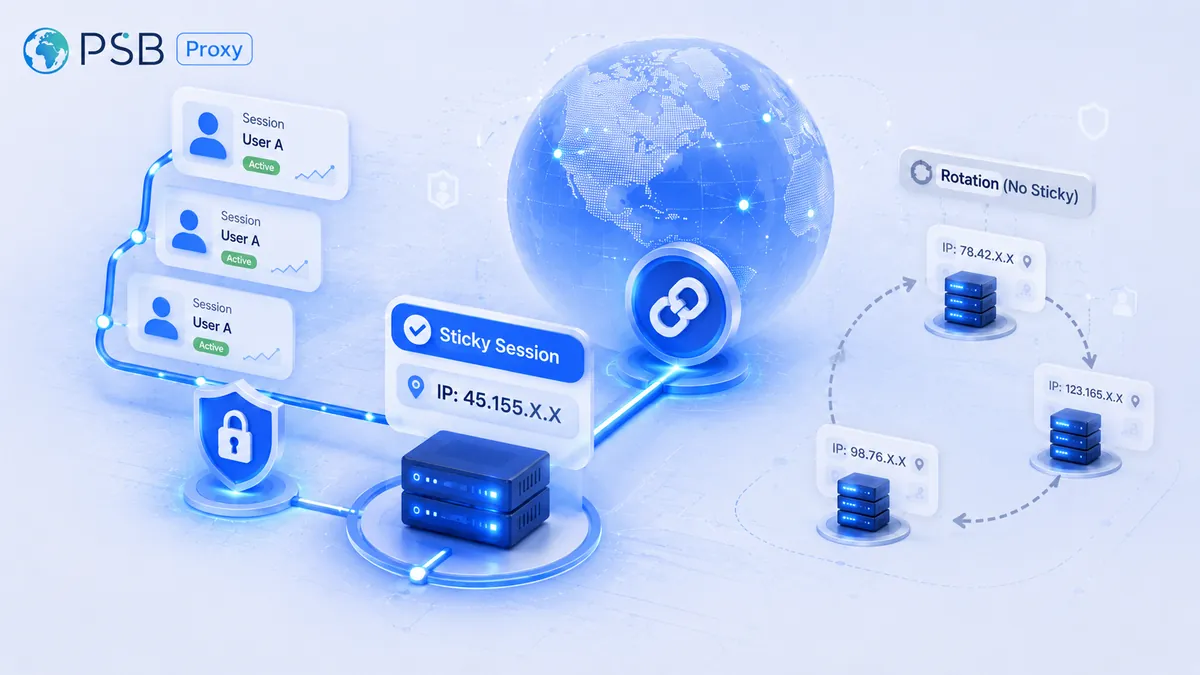
IP rotation is an automatic change of IP address, carried out through specified time intervals or with each new request. It is carried out through a special link (URL) or through a GET request to the provider's API. Such technology may be needed for bypassing blocks, increasing anonymity and load distribution. Thanks to it, you can use thousands of unique addresses without manual configuration. There are different ways to automate IP rotation:
- Automatic rotation by timer (Time-based). IP changes automatically through specified intervals (for example, every 5, 10, 15 minutes).
- Rotation with each request (Request-based). A new IP address is provided for each new connection. This is convenient for web scraping, to prevent blocks from internet providers or regulatory bodies.
- Forced change by API link (Force-rotation). This method involves the use of special proxy API requests (GET/POST) for instant IP renewal.
- «Sticky» sessions (Sticky Sessions). To maintain authorization, one IP address is kept for a certain time.
Automation of IP rotation via API is considered the most reliable way to ensure anonymity and bypass blocks during scraping, work with social networks and high-load requests.
Control and management of limits
If you carefully control limits and manage them through Proxy API, you can prevent overload of internal services and distribute available resources (tokens, requests) between users or applications. The main methods of limit management include:
- Limiting the number of requests. One of the most common ways to manage limits. This method allows you to protect the backend from significant overloads and prevent exceeding provider quotas. The ability is provided to set a maximum number of requests per second (RPS) or per minute (RPM). After setting such a limit, the system automatically monitors activity and blocks or rejects excess requests.
- Limits on traffic volume. Another important method of control is limiting the volume of data transmitted through the proxy. This is relevant for cost control if the API is paid. Through Proxy API, you can set limits on the total traffic per month or on the maximum volume of one session. For example, a user may receive a limit of 50 GB of traffic per month. When it is exhausted, the API may temporarily block the proxy, automatically switch the user to another tariff, or send a notification about exceeding the limit.
- Limiting the number of active connections. Some services control the number of simultaneous connections through a proxy. This helps prevent infrastructure overload and ensures more stable operation. Limits may be set for one user, IP address, or a specific proxy server.
- Limit on the number of issued proxies. For users or applications, a limit may be set on the number of simultaneously available proxies. Such control prevents mass creation of resources and helps distribute infrastructure among clients.
In some cases, limits may depend on proxy characteristics. Users may set different limits for residential and datacenter proxies, as well as restrictions on the number of proxies in a certain country.
Advanced scenarios: integration with antidetect browsers and parsers
Proxy API can integrate with various automation tools: antidetect browsers, parsers, bots for data collection. This significantly increases the efficiency of automated systems.
Integration with data parsers
Antidetect browsers are used for working with multiple accounts in various online services. They allow you to create separate browser profiles, each of which has its own digital fingerprint: unique device, browser and network parameters. To ensure complete isolation of such profiles, a proxy connection is used. When creating a new profile, an antidetect browser can automatically send a request to Proxy API and receive connection parameters:
- IP address;
- port;
- login and password;
- proxy type (HTTP, HTTPS, SOCKS5).
Further, these parameters are automatically linked to the browser profile. The user does not need to manually copy data — everything happens through the program interface. Many antidetect browsers support automatic proxy renewal. For example, when launching a profile, the API can check the connection quality and, if necessary, perform IP rotation.
Integration with web scraping systems
Web scraping is automated data collection from websites. Such systems are actively used in analytics, marketing, and e-commerce. Most websites limit the number of requests from one IP address. If you send too many requests, the server may temporarily block access. Proxy API helps solve this problem through automatic distribution of requests between different IPs. A typical algorithm works as follows:
- The parser sends a request to Proxy API to obtain a list of proxies.
- The API returns a pool of IP addresses.
- Each request to the target website is performed through a separate proxy.
- When an error occurs, the system automatically requests a new IP.
This approach allows you to significantly increase the volume of collected data without the risk of blocks.
Solving typical problems and error handling
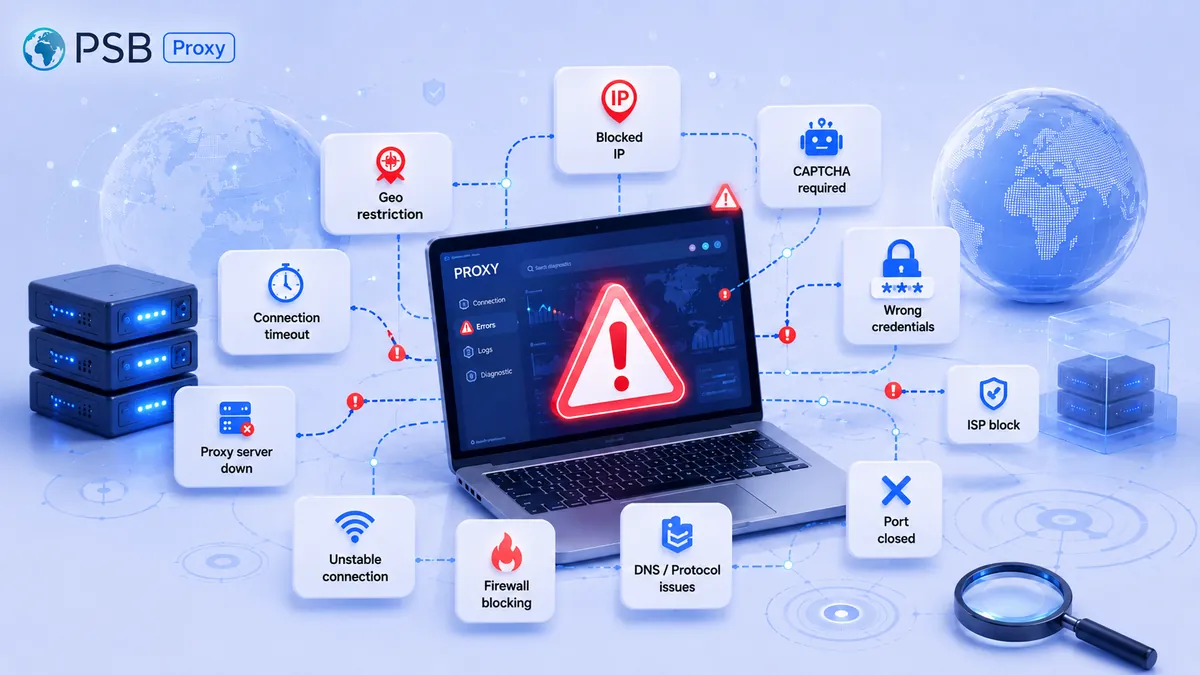
Working with Proxy API is often accompanied by specific network and protocol failures. The most common problems:
- Authorization errors (401 Unauthorized/403 Forbidden). They occur for various reasons: incorrect API key, token expiration, or IP block by the proxy provider. It is recommended to check the correctness of key transmission in the headers.
- Frequent appearance of CAPTCHA. They are usually caused by the website's security system classifying the visitor's actions or connection parameters as suspicious. In this case, you need to reduce the frequency of requests from one IP, use sticky sessions or cache results.
- TLS/SSL errors. They may appear due to outdated certificates or version incompatibility. It is important to regularly update certifi, openssl, check system time.
- IP does not change after rotation. This is usually caused by a delay in updating the provider's pool, caching of the old IP in the browser. It is recommended to increase the interval, repeat the change after 1-2 minutes.
- Random network failures. They occur due to incorrect settings, IP blocks or internet problems. The user can increase timeouts, delete cookies and cache.
Proxy API is an effective tool for automating work with proxy servers. It allows you to manage proxy infrastructure through program interfaces, significantly simplifying scaling and integration with various systems.