

 Русский

 June 4, 2026
Today, proxies are an indispensable tool for parsing, working with social networks, and ensuring privacy. But even the most reliable solutions sometimes fail: connection errors, proxy server errors, or endless page loading appear. In this article, we will analyze 10 typical reasons why proxies stop working, what errors may occur, and how to fix them to quickly find and resolve such problems.
How to understand what exactly is broken: symptoms of proxy problems
Before conducting an in-depth check of your settings, it is important to understand what might be causing the problem. The main symptoms are as follows:
- Connection error – the browser or program that works with proxy servers does not establish a connection;
- Timeouts – requests are sent but no response is received;
- Websites take a long time to open and are accompanied by content display errors;
- Some requests go through while others hang or do not go through at all;
- The real IP address does not change when connecting through the proxy.
If at least one of these signs appears when working with your proxy, start diagnosing the problem with the checklist presented below.
10 most common reasons why proxies don't work
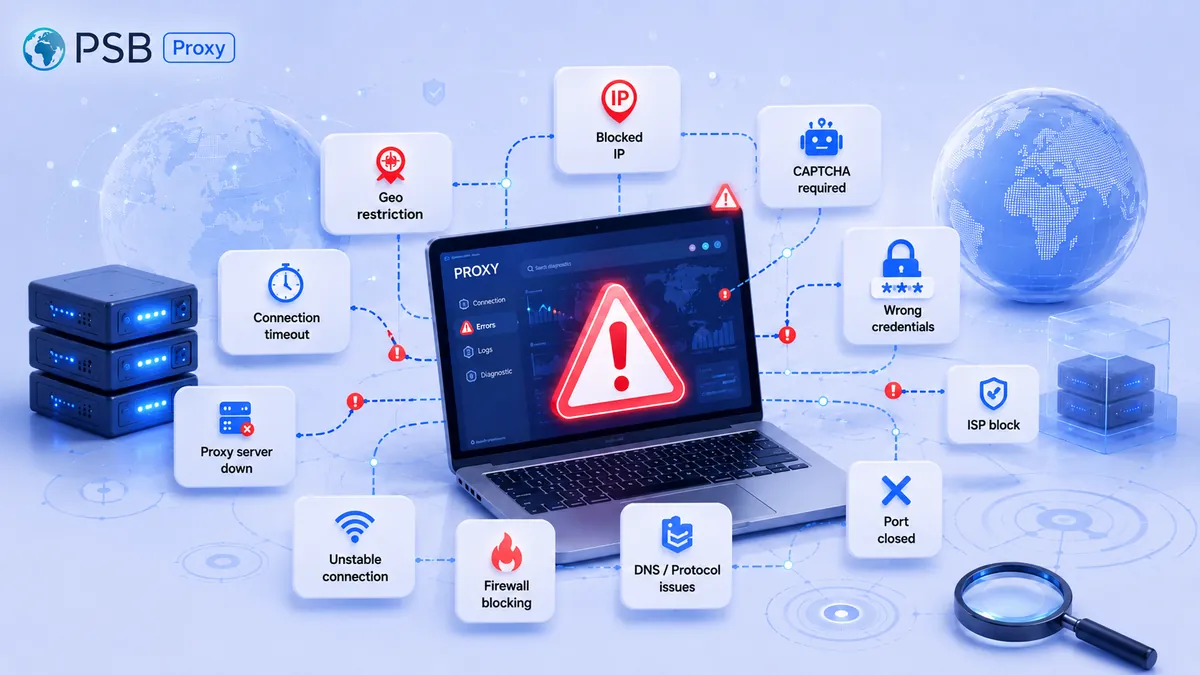
Specialists identify 10 most common reasons why proxies do not work. They are as follows:
- Incorrectly entered authorization data. This is the most common problem – many users may enter the login, password, or port incorrectly.
- The proxy is physically unresponsive due to overload, disconnection, or blocking of the real IP.
- Traffic has run out or the subscription has expired – a common scenario for paid pools.
- Port or protocol blocking – some networks restrict non-standard ports.
- DNS problems in the context of domain name resolution.
- Conflict with another proxy on the same device.
- Errors on the proxy provider's side due to connection queues, technical work, or a DDoS attack on the server hosting the proxy assigned to you.
- Unsupported authentication type – the software expects one method but receives a different one.
- Local firewall, antivirus, or corporate network blocks outgoing connections through the proxy server.
- Incorrect protocol or connection format. For example, an HTTP proxy is specified as SOCKS5, the port is mixed up, the http:// or socks5:// scheme is missing, or the application expects separate connection parameters.
Which proxy error codes are most common and what they mean
In addition, HTTP error codes are also highlighted, which may indicate unavailability or errors when working with proxies. Their list is as follows:
- 400 – Bad Request (invalid request format to the server or target object);
- 401 – Unauthorized (authorization on the target resource, API, or service has not been passed);
- 403 – Forbidden (access to the resource is denied due to rights, site rules, or IP restrictions);
- 404 – Not Found (the requested resource was not found);
- 407 – Proxy Authentication Required (proxy server error: the proxy requires a login, password, token, or other authorization method);
- 429 – Too Many Requests (request frequency from your IP has been exceeded);
- 451 – Unavailable For Legal Reasons (the resource is unavailable due to legal reasons or regional restrictions);
- 500 – Internal Server Error (internal error of the server, target resource, proxy, or intermediate node);
- 502 – Bad Gateway (the gateway or proxy received an invalid response from the upstream server);
- 503 – Service Unavailable (temporary unavailability or overload of the target server, proxy, or service);
- 504 – Gateway Timeout (timeout waiting for a response from the upstream node).
Important: 4xx codes more often indicate a problem with the request, authorization, limits, or access. 5xx codes usually indicate a problem on the server side, gateway, proxy, or upstream node. Therefore, it is important to look not only at the code but also at where it occurred: in the client, on the proxy, at the target site, or at the provider.
What to check first: a quick diagnostic checklist
If the connection is not established, you can run a quick diagnostic checklist of seven items:
- Copy the proxy parameters again – the error may be an extra space, incorrect case, or incorrect string format.
- Check your traffic balance or subscription expiration date.
- Check firewall, antivirus, or corporate network rules: they may block outgoing connections to the required port.
- Try connecting from another software or browser.
- You can check IP availability via ping, but the absence of an ICMP response does not always mean the proxy is unavailable. It is more reliable to check the port itself via telnet, nc, curl, or a test connection.
- Make sure the port is open using the command telnet ip port or another network test.
- Switch the protocol from HTTP to SOCKS5 or vice versa.
How to search for a problem by scenarios, not by guesswork
If you do not want to search for a problem by guesswork, but want to use something ready-made, there are several scenarios for typical proxy server errors.
If an error appears immediately upon connection
If an error occurs during the connection process, you need to check the authorization and the connection string format for correct entry of the login or password. This is usually indicated by error 407. A connection error can also occur due to an incorrect protocol, a closed port, or an incorrect connection scheme.
If the proxy connects but the site does not open
When the proxy connects but the site does not load, the problem often occurs at the DNS level and is solved by specifying a correct DNS server. The site may also restrict the used IP address range or temporarily not respond.
If the proxy works in the browser but does not work in the software
When the proxy works in the browser but does not work in the software, you need to check the authentication type, protocol, and whether the program uses system proxy settings.
If some requests go through and some do not
In a situation where some requests go through and some do not, you should increase delays between requests, check limits, rotation, the state of the target site, and the quality of the pool being used.
If the IP does not change
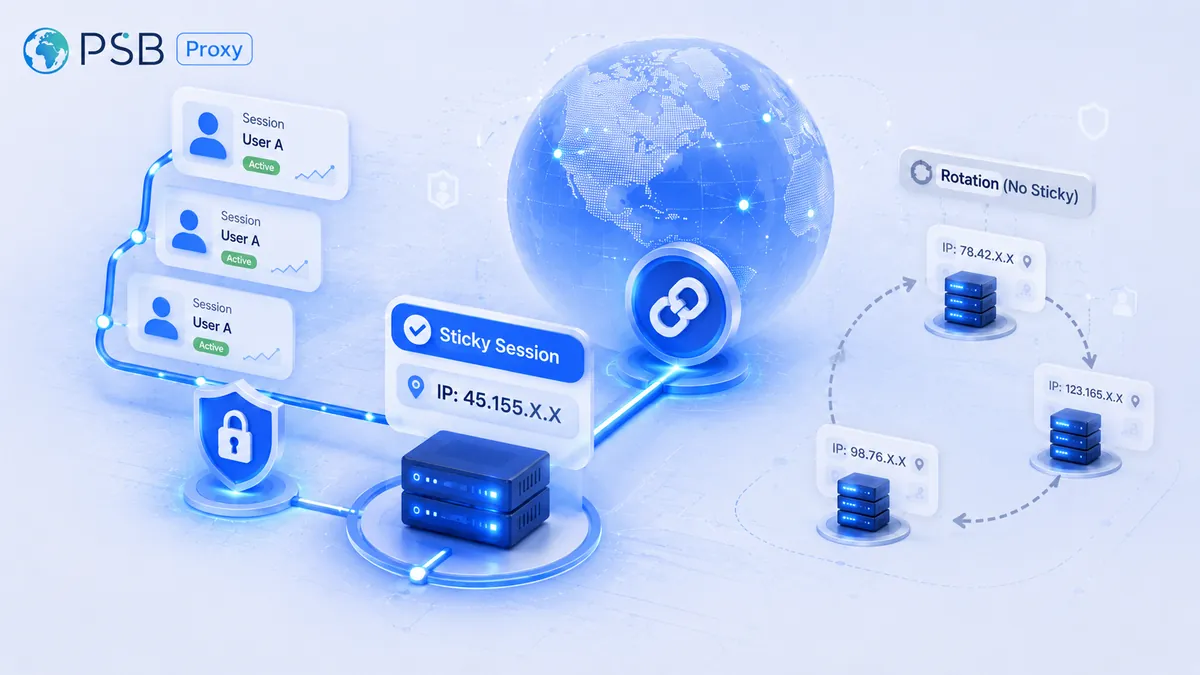
If the IP does not change at all, then you need to configure the proxy directly inside the application, and not only system-wide. You also need to check the operating mode: fixed session, sticky session, or rotation.
Why the same proxies work in the browser but do not work in the application
Let's return to the error where the proxy works in the browser but does not work in the software. The main reasons associated with this are as follows:
- Different authentication types. The browser automatically supplies NTLM or Basic, while the software may send a request without the Proxy-Authorization header. The result is proxy server error 407, which will not be resolved until the problem is fully solved.
- The proxy was set in system settings, but the program (for example, a parser written in Python) does not support them. Then you will have to specify the proxy directly in the program code, environment variables, or the settings of the specific application.
- Different protocols. The browser works via HTTP, but the application thinks to send SOCKS traffic to an HTTP port – the connection will not be established this way.
- SSL certificates. You have already accepted the proxy certificate in the browser, but not in the application. This causes an error.
When the problem is not in the proxy, but in the device or network settings
However, there are situations where the problem is definitely not in the proxy server, but in the device or network settings. To check this, it is necessary to exclude the following factors:
- System clock is off. Some proxies use time-based authentication, and if the clock is off, the connection to the proxy will not be established.
- Incorrect hosts file. It may redirect requests to localhost bypassing the proxy.
- IPv6 instead of IPv4. Some proxy servers work only on IPv4, but your OS tries to go through IPv6 – a proxy network error occurs.
- Corporate proxy. If you are in an office, traffic first goes to the internal proxy and only then to yours – double routing occurs.
When the problem is not in the connection, but in the proxy operating mode
It is also worth understanding that sometimes the proxy server does not "break", but works differently than you expect. It is worth noting that:
- Transparent proxy can transmit the user's original IP to the target site in headers like X-Forwarded-For.
- Anonymous proxy hides the real IP, but may leave signs of proxy usage – for example, technical headers or routing features.
- Elite proxy (high anonymous) tries not to send explicit proxy headers, but its IP may still be on blacklists or receive restrictions based on other signs.
That is why, if it is important not to disclose the real IP in headers, you should choose high anonymous/elite proxies and additionally check DNS, WebRTC, IPv6, and application settings.
User errors that cause proxies to "break" most often
Technical support specialists have compiled a list of those proxy errors that cause users to contact them:
- Saving parameters with an error. The absence of one colon or space can cause a connection error.
- The protocol for connecting to this server is mixed up. Instead of socks5://, http:// is entered for a SOCKS proxy.
- Too high request rate. When error 429 occurs, users think that "the proxy is broken," but it is often necessary to reduce the request frequency or increase delays between them.
- Using one proxy in multiple threads without multiplexing support.
- Ignoring codes 401 and 407 – the program may not pass authorization on the target resource or may not implement a repeat request with authorization on the proxy.
How to choose a service that makes it easier to diagnose errors
Modern proxy services offer not only the IP address itself, but also tools for quick diagnosis. When choosing, pay attention to:
- Is there detailed statistics for each proxy: traffic consumption, active sessions, recent connections, and possible restrictions?
- Is there an API for automatic rotation – if the proxy returns errors 503 or 504, the service should allow you to quickly change the IP, pool, or connection mode?
- Is there support for the required authentication types – login/password, IP whitelist, tokens, or other methods to avoid catching 407 errors related to authorization?
- Is there protocol transparency – clear indication: HTTP/HTTPS/SOCKS5 on a specific port?
- Is there clear error diagnostics – you see not just "does not work", but code 500, 451, 503, 504, or a message about an authorization problem?
Conclusions
In conclusion, in most cases, proxies stop working not because of a server breakdown, but because of a network error, incorrect parameters, limits, or restrictions from target resources.
Check error codes 4xx and 5xx – they help understand which side the problem is on. Do not ignore any errors when entering proxy parameters – for proper and correct operation, it is worth double-checking every character. If the proxy works in the browser but not in the software – look for incompatibility of authentication types, protocol, or application settings.
Use services with clear diagnostics so as not to spend hours troubleshooting.
Now that you know the 10 main causes of proxy problems, you will be able to fix the situation in most cases without contacting technical support.