


 Русский
Proxies for PlayStation (PS)
Check how PlayStation services work with proxies. Set up the connection on a supported router or device and test the features you need in advance.
Check client compatibility
- DevicePC / mobile / browser
- ProtocolHTTP / HTTPS / SOCKS5
- IPstatic or sticky
- Startright after payment
How PlayStation proxies work
A gaming proxy routes the connection supported by the client through an intermediate IP. It can be used with browser games, launchers and apps that allow HTTP, HTTPS or SOCKS5 settings.
A proxy helps you choose the connection country and keep one address for a gaming or test session.
Compatibility depends on the specific service and protocol. A proxy does not guarantee lower ping and may increase latency because of the extra hop.
| Product type | What to check | Result |
|---|---|---|
| Browser game | System proxy support | HTTP or HTTPS connection |
| Game client | SOCKS5 support | Connection compatibility |
| Mobile game | How to configure it on the device | Working via a mobile IP |
Why use proxies for PlayStation (PS)
Proxies help you choose the connection geography, keep one IP for a session and test a gaming product in different countries.
Country choice
Connect through an IP in the selected location if the game's rules allow it.
Static IP
Keep one address for the whole gaming or test session.
Regional testing
Test your own game, website and launcher from different countries.
Test automation
Manage proxy settings via the Public API.
Which proxies to choose for PlayStation (PS)
The choice depends on the game client, the supported protocol, the country you need and the connection length.
Datacenter proxies
For compatible launchers, browser games and technical checks.
From $0.50 / GB at 10,000 GBDatacenter proxies →Residential proxies
For testing game pages and features with geo targeting.
From $0.60 / GB at 10,000 GBResidential proxies →Mobile proxies
For testing mobile games and related web services.
From $1.50 / GB at 10,000 GBMobile proxies →Static DC proxies
For whitelist integrations and processes that need an unchanging server address.
$1 / IP / monthStatic DC →Static ISP proxies
For compatible clients that need a permanent ISP IP.
$2 / IP / monthStatic ISP →What PlayStation proxies are suitable for
PlayStation console
Check the connection via a compatible network or router.
PlayStation Store
Test the availability of your own product's pages and elements.
Web pages
Work with supported pages through browser settings.
Mobile app
Check the app's compatibility with a proxy connection.
Connection check
Evaluate compatibility and latency before the main purchase.
Static IP
Keep one address for long permitted sessions.
Ready settings for PlayStation
Choose settings for a compatible client, a regional test, a mobile game or service monitoring.
A long gaming session
- Type
- Static ISP proxies
- IP
- Static
- Protocol
- Per client requirements
- Geography
- Connection country
For a client with proxy support and long work with one IP.
Regional testing
- Type
- Residential proxies
- IP
- Sticky session
- Geography
- Country / city / ZIP
- Session
- Up to 30 minutes
For checking your own gaming product in the selected location.
Mobile game
- Type
- Mobile proxies
- IP
- Sticky session
- Geography
- Country / region / city
- Session
- Up to 30 minutes
For testing an app through a mobile carrier network.
Gaming service monitoring
- Type
- Static DC proxies
- IP
- Static
- IP change
- No change
- Authorization
- Whitelist / login
For internal checks of gaming websites and service pages.
Keep one IP while working with PlayStation
For a sequential connection, use a permanent address or a sticky session and change the IP only between independent tests.
One address between logins
Use a static proxy for a long connection.
One IP for the whole game
Keep the address throughout a sequential gaming or test session.
New IP for a new check
Change the connection between independent regional tests.
Choose IPs in 195 countries
Set the country, state or region, city, ZIP and ASN for permitted regional testing. The availability of specific locations varies.






Connect proxies to PlayStation
Use HTTP, HTTPS or SOCKS5 if the game, launcher, browser or testing tool supports them.
HTTP / HTTPS
For browser games, gaming websites and compatible launchers.
SOCKS5
For clients and tools that provide a SOCKS connection.
Public API
Automate the management of proxies and settings via the API.
Authorization
Login/password, IP whitelist or token — all methods are available.
PSB Proxy features for PlayStation (PS)
Shared IP pool
Over 90M IPsShared PSB Proxy infrastructure for all proxy types.

Geography
195 countriesAvailability of specific locations may change.

Ports
Up to 2,500The limit can be raised on request.

Protocols
HTTP / HTTPS / SOCKS5All protocols are available for all pools.

Session TTL
1–1000 minutesWe recommend setting no more than 30 minutes.

Uptime
99,8%The declared service availability figure.

Authorization
3 methodsLogin/password, IP whitelist and token.
Public API
IntegrationFor automated settings management.
Proxy pricing for PlayStation (PS)
Choose the proxy type based on the client, geography, connection length and permanent IP requirements. The “from” rates for datacenter, residential and mobile proxies apply to the 10,000 GB package.
Datacenter proxies
For compatible launchers, browser games and service checks.
Datacenter proxy pricingResidential proxies
For geo targeting and keeping the IP for the duration of a check.
Residential proxy pricingMobile proxies
For testing your own apps through mobile carrier networks.
Mobile proxy pricingNeed a permanent IP? Static DC proxies — $1/IP a month, static ISP proxies — $2/IP a month.
Use PlayStation proxies responsibly
Follow the rules of the game and the platform
Before connecting, check whether proxy use is allowed, and follow the terms of the game, launcher and store and applicable law.
Important. Do not use the service to bypass account sanctions, for cheats, bots, prohibited multi-accounting, fraud, DDoS or other violations.
Proxies for popular games and platforms
Go to a game's or service's own page to see compatibility, suitable proxy types and connection recommendations.
Proxies for Minecraft
Compatible clients, servers and testing your own game project.
Learn more →Proxies for Call of Duty
Checking compatibility of the client, web services and connection before use.
Learn more →Proxies for Clash Royale
Mobile connection and checking supported app features.
Learn more →Proxies for PlayStation (PS)
Console and web services with a mandatory compatibility check.
Proxies for Epic Games
Launcher, store, web pages and testing available features.
Learn more →Other proxy use cases
Proxies for SEO and SERP tracking
Checking search results, local results and rankings in different regions.
Proxies for SEO →Proxies for web scraping
Collecting and structuring public data from websites, catalogs and web pages.
For scraping →Proxies for price monitoring
Tracking public prices, discounts, availability and offer changes.
For price monitoring →Proxies for market research
Collecting data on the market, companies and local offers.
For research →Proxies for automation
Connecting proxies to scripts, applications and internal systems.
For automation →Proxies for multi-accounting
Separating permitted work profiles of clients, brands and projects.
For multi-accounting →Articles on proxies for PlayStation
Crazyshops: Digital Goods in One Catalog and How to Set Up a Working Environment for Accounts
Teams in affiliate marketing, SMM and e-commerce constantly need digital resources: email inboxes, accounts on different platforms, software
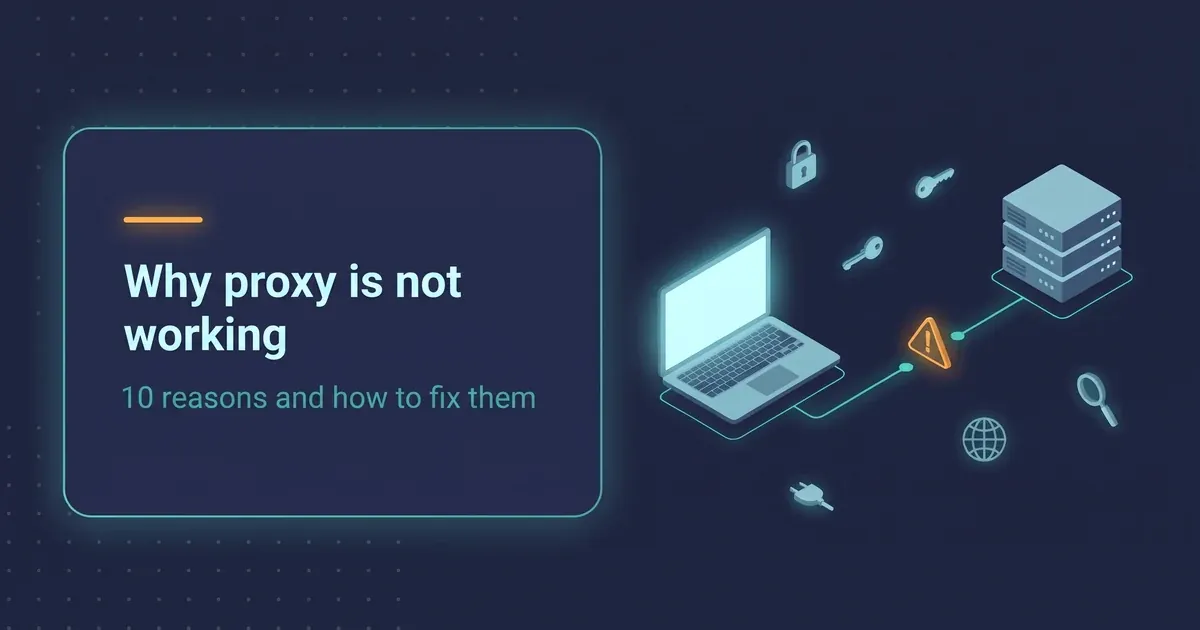
Why Your Proxy Is Not Working
Most of the time a proxy "stops working" because of something small: a stray space in the login, the wrong protocol, or an IP address that i

Proxies for Google Ads in 2026: why a clean IP beats a “good account”
In 2026 Google Ads checks the combination of IP, device and account history before it cares about your ad copy. AI Max and tighter trust che
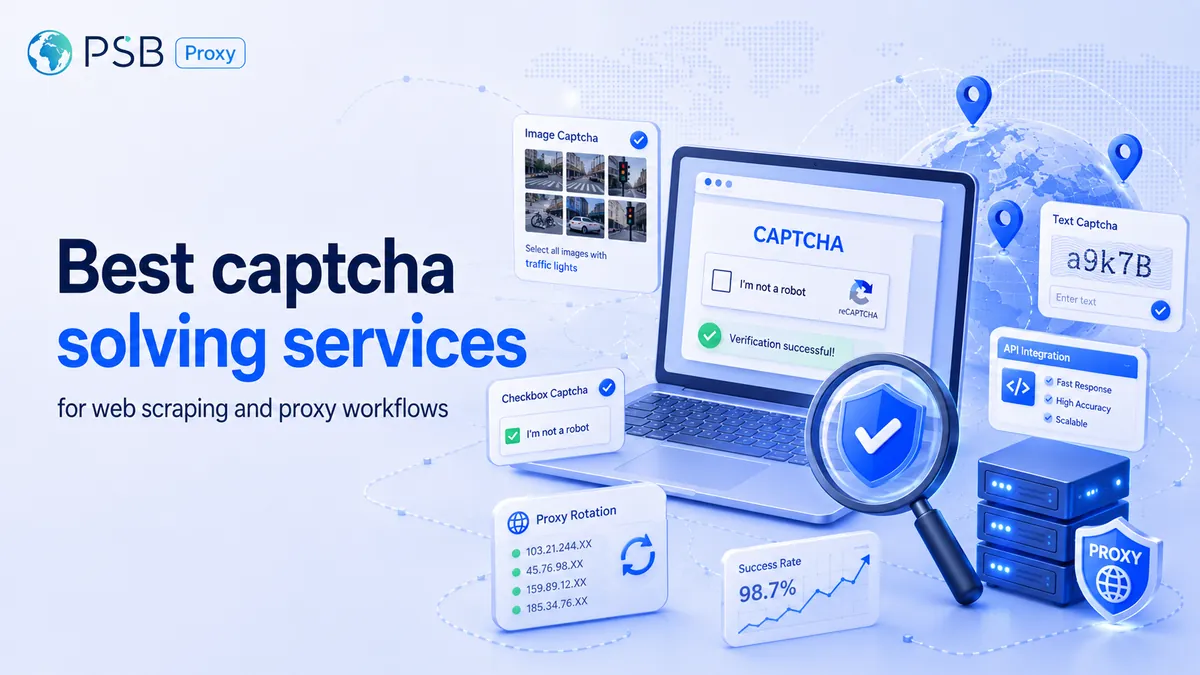
Best captcha solving services for web scraping and proxy workflows
A captcha solver and a proxy service handle different parts of the same scraping workflow. The proxy affects IP reputation, location, reque
PlayStation (PS) proxy FAQ
Which proxies are suitable for PlayStation (PS)?
Can a gaming proxy reduce ping?
Does PlayStation (PS) support proxies?
Can I choose the connection country for PlayStation (PS)?
Can I keep one IP while working with PlayStation (PS)?
Which protocols are supported?
Is there an API for PlayStation (PS) tests?
Does purchased traffic expire?
How do I get started?
How many ports can be used at the same time?
Which authentication methods are available?
Can proxies be used to bypass PlayStation (PS) account restrictions?
Get proxies for PlayStation (PS)
Check client compatibility, choose a suitable proxy type and test the connection before the main purchase.