

 October 29, 2026
Teams in affiliate marketing, SMM and e-commerce constantly need digital resources: email inboxes, accounts on different platforms, software keys and service subscriptions. Looking for each item from a separate seller takes hours. Crazyshops.store takes a different approach and brings these goods together in one catalog, with a simple checkout and instant delivery.
Let's look at what the marketplace offers, how ordering works and what to do right after purchase so your accounts run smoothly.
What you'll find in the catalog
Social media and online service accounts. Telegram, Facebook, Instagram, TikTok, X (Twitter), YouTube, Reddit, Discord, Pinterest, GitHub, VK, Odnoklassniki and dozens of other platforms.
Email accounts. Gmail, Outlook and Hotmail, Proton, GMX, WEB.DE, Mail.com, Rambler and more, available individually or in bulk.
Gaming products. Game accounts, Steam games and top-ups for popular mobile games.
Software and subscriptions. Software activation keys, VPN, AI service subscriptions and gift cards.
SMM tools. Services for promoting and managing accounts.
How ordering works
You don't need to register. Choose a product, click "Buy", enter your email and pay. Your data appears on screen right after payment, and you can download it as a text file. If something goes wrong, support is available on the website.
What to check when choosing a digital goods store
Wherever you buy, a few checks will save you money and time.
- Delivery format. Check the product page to see exactly what data you'll receive and in what form.
- Replacement terms. Find out what happens if a product doesn't work for you and how soon you need to report it.
- Support. See how quickly they respond and what their working hours are.
- Reviews. Look for them on industry forums, not just on the seller's website. Crazyshops has reviews on niche forums.
- Test order. Before a large order, buy a small batch and test it in your workflow.
How to set up a working environment for accounts
Buying an account is only half the job. How stable it is depends on the environment you work in.
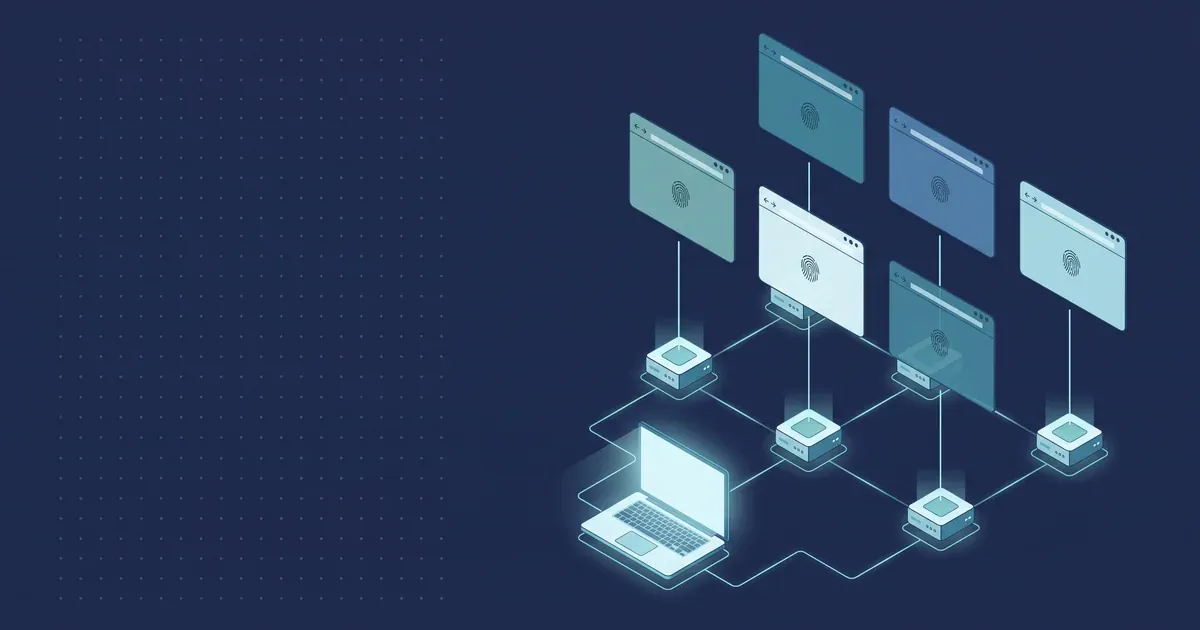
One account, one profile, one proxy. Each account needs its own profile in an anti-detect browser and its own IP address. When several accounts log in from the same address, platforms see a link between them.
Match the proxy location to the account's region. An account created in Germany makes more sense with a German IP. The profile's time zone and language should match that region too.
Choose the proxy type for the task. Residential and mobile proxies look to websites like regular home and mobile internet users. For long work with a single account, use sticky sessions, where the IP stays the same for the whole session. For scraping and bulk checks, use rotation.
Take it slow in the first days. Don't push a new account too hard right away. Fill in the profile, use it like a regular user, and only then move on to your main tasks.
Follow platform rules. Accounts and proxies are work tools. They don't replace the rules of the platforms you work on.
Summary
Crazyshops.store covers the typical digital goods needs of a team: accounts, email inboxes, keys, subscriptions and gaming products in one place, with checkout that takes a couple of minutes. To keep purchased accounts stable, give each one its own profile and a proxy with the right location.
Browse the catalog: crazyshops.store
Proxies for account work — residential, mobile and datacenter, with location targeting and sticky sessions — are available at PSB Proxy.