


 Русский
Proxy Checker Online
Check proxies online: paste a list to see which proxies work, their type, country, speed and anonymity. HTTP, HTTPS, SOCKS4 and SOCKS5, with or without login and password.

One proxy per line, the host can be an IP address or a domain. Lines without login and password (hostname:port) are accepted in any format. Up to 200 proxies per check, the protocol is detected automatically.
What the proxy checker shows
A short note on every field of the result. Details are in the sections below.
What is a proxy checker
A proxy checker connects to every proxy in the list and shows whether it works, its type, country, response speed and anonymity.
How to check proxies online
- 1Paste the proxies into the field — one per line.
- 2Pick a format or keep auto-detect — the checker detects the protocol itself.
- 3Click “Start check”.
- 4See the result for every proxy: whether it works, type, country, speed and anonymity.
| Format | Example | When |
|---|---|---|
| IP:PORT | 203.0.113.5:8000 | Proxies without a password or with IP authorization |
| IP:PORT:LOGIN:PASSWORD | 203.0.113.5:8000:user:pass | Proxies with login and password |
| LOGIN:PASSWORD@IP:PORT | user:[email protected]:8000 | The same proxy in URL format |
HTTP, HTTPS, SOCKS4 and SOCKS5: the difference
| Protocol | What it carries | Login and password | Used in |
|---|---|---|---|
| HTTP | Web traffic | Yes | Browsers, scrapers, most apps |
| HTTPS | Web traffic through a secure tunnel | Yes | HTTPS websites |
| SOCKS4 | Any TCP traffic | No, IP only | Legacy apps |
| SOCKS5 | TCP and UDP | Yes | Antidetect browsers, messengers, UDP apps |
If an app is set to the wrong protocol, a working proxy will look dead. The checker detects the protocol itself — see the “Type” column and connect the proxy with the same one.
How to check proxy anonymity
| Level | What a website sees |
|---|---|
| Transparent | Your real IP is passed in the headers — the proxy hides nothing |
| Anonymous | Your real IP is hidden, but the headers show a proxy is used |
| High (elite) | Your real IP is hidden and the headers show no signs of a proxy |
The checker sends a request through the proxy and looks at the headers that reached the server. The level is determined from them.
Checking proxy availability and validity
A proxy is working and valid if it responds, accepts the login and password and passes the request to a website. If the check fails, the reason is usually one of these:
- Wrong login or password — a common copy-paste mistake.
- The app uses the wrong protocol: a SOCKS5 proxy is connected as HTTP.
- Wrong port — one IP can have different ports for different protocols.
- IP authorization is on and the address is not whitelisted.
- The traffic or rental period has run out.
- The proxy is overloaded or temporarily unavailable.
More about the causes — in the article “Why proxies do not work: 10 common causes”.
How to check a proxy server manually
In a browser: set the proxy in the browser or extension settings and open My IP — it should show the proxy IP.
From the command line — a request through the proxy to any website. A 200 response means the proxy works:
curl -x http://LOGIN:PASSWORD@IP:PORT -I https://psbproxy.io
curl -x socks5h://LOGIN:PASSWORD@IP:PORT -I https://psbproxy.io
The socks5h variant sends DNS queries through the proxy as well — so your real region does not leak through DNS.
Speed in the checker vs in real use
The speed in the checker is the proxy response time from our server. In real use it will differ: much depends on where you and the target website are. The checker is useful to compare proxies with each other and weed out noticeably slow ones.
When you need reliable proxies
- Scraping and data collection — rotating residential.
- Multiple accounts in an antidetect browser — mobile or static ISP.
- Rank and price monitoring — residential in the right country.
- Ad verification in different regions — residential or mobile with city targeting.
PSB proxies: datacenter from $0.50/GB, residential from $0.60/GB, mobile from $1.50/GB, static ISP $2 per IP a month.
When it helps
Residential from $0.60/GB, mobile from $1.50/GB, static ISP — $2 per IP a month. Check them in this very checker.
More tools
Frequently asked questions
Did not find the answer? Message our support in Telegram.
Contact supportHow do I check a proxy?
Can I check multiple proxies at once?
Why does a proxy fail the check?
Which protocols are supported?
Why does the speed differ from real use?
How do I check a proxy with IP authorization?
How do I check a proxy server without software?
Can I check rotating residential proxies?
Related articles

Crazyshops: Digital Goods in One Catalog and How to Set Up a Working Environment for Accounts
Teams in affiliate marketing, SMM and e-commerce constantly need digital resources: email inboxes, accounts on different platforms, software

Why Your Proxy Is Not Working
Most of the time a proxy "stops working" because of something small: a stray space in the login, the wrong protocol, or an IP address that i

Proxies for Google Ads in 2026: why a clean IP beats a “good account”
In 2026 Google Ads checks the combination of IP, device and account history before it cares about your ad copy. AI Max and tighter trust che

Best captcha solving services for web scraping and proxy workflows
A captcha solver and a proxy service handle different parts of the same scraping workflow. The proxy affects IP reputation, location, reque

Form, Chat, Quiz, or Callback: Which Website Tools Generate More Leads and Which Scenarios They Work Best In
Bringing a person to a website is only half the task. What happens next depends on how easy it is for them to take the next step. Some users

Ad verification: how to check ad impressions in different countries
When advertising is launched in several countries at once, the advertiser often sees only numbers in reports – impressions, clicks, reach. B
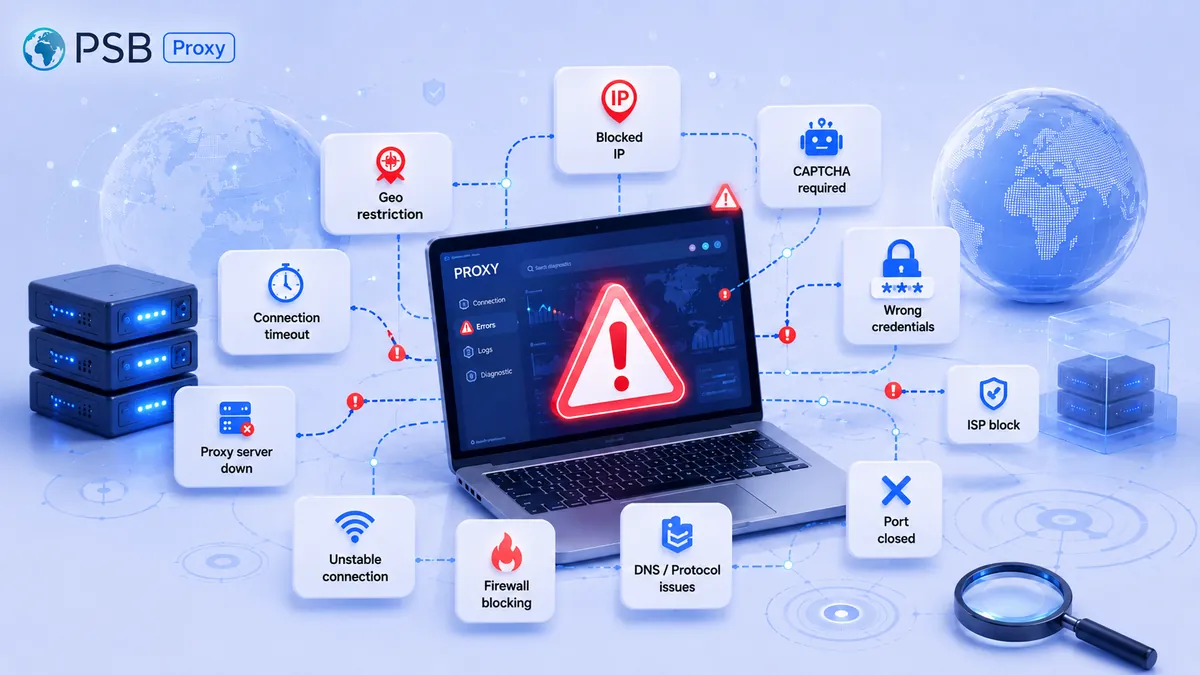
Why proxies don't work: 10 common causes of connection errors
Today, proxies are an indispensable tool for parsing, working with social networks, and ensuring privacy. But even the most reliable solutio

What Is a Sticky Session in a Proxy, and When Is It Better Than IP Rotation?
Website security systems now analyze not only the node’s IP address itself, but also request chains along with behavioral patterns. Therefor

Proxies for Google Play: How to Check App Visibility, Localization, and Rankings in Different Countries
Development and marketing teams regularly check app visibility on Google Play, the accuracy of localization, and search rankings across diff

Proxies for Google Search and SERP Parsing: Which Ones to Choose to Reduce the Risk of Being Blocked
Parsing Google search results is central to most search marketing, SEO analytics, and competitor monitoring tasks. Collecting data on websit
Need reliable proxies?
Residential from $0.60/GB, mobile from $1.50/GB, datacenter from $0.50/GB, static from $1 per IP. 90M+ IPs in 195 countries.