


 Русский
Online Port Scanner
Enter the IP or domain of your server, choose a port set and get the status of every port — open, closed or filtered.
What the port scanner shows
A short note on every field of the result. Details are in the sections below.
What is a port scanner
The scanner tries to connect to the server ports and shows the status of each: open, closed or filtered. The check runs from our server — the way your server is seen from the internet.
IP port scanner: which ports it checks
The ports are split into two sets — the same tabs as in the scanner. The list matches exactly what the tool checks.
Popular ports
| Port | Service | Used for |
|---|---|---|
| 21 | FTP | File transfer |
| 22 | SSH | Remote server management |
| 23 | Telnet | Legacy unencrypted remote access |
| 25 | SMTP | Mail between servers |
| 53 | DNS | Name server |
| 80 | HTTP | Website without encryption |
| 110 | POP3 | Receiving mail |
| 143 | IMAP | Mail access |
| 443 | HTTPS | Encrypted website |
| 465 | SMTPS | Encrypted mail sending |
| 587 | SMTP Submission | Sending mail from mail clients |
| 993 | IMAPS | Encrypted mail access |
| 995 | POP3S | Encrypted mail receiving |
| 1080 | SOCKS | Proxy server |
| 3128 | HTTP Proxy (Squid) | HTTP proxy |
| 3306 | MySQL | Database |
| 3389 | RDP | Windows Remote Desktop |
| 5432 | PostgreSQL | Database |
| 8080 | HTTP Alternate | Panels, test sites, proxies |
| 8443 | HTTPS Alternate | Control panels |
Hidden and service ports
| Port | Service | Used for |
|---|---|---|
| 111 | RPCbind | Linux RPC service used by NFS |
| 123 | NTP | Time synchronization |
| 135 | MS RPC | Windows remote procedure calls |
| 139 | NetBIOS | File sharing in legacy Windows networks |
| 445 | SMB | Windows file and printer sharing |
| 1194 | OpenVPN | VPN server |
| 1433 | MS SQL | Database |
| 1521 | Oracle DB | Database |
| 1723 | PPTP | Legacy VPN |
| 2049 | NFS | Network file system |
| 2375 | Docker API | Unencrypted Docker management |
| 5900 | VNC | Remote desktop |
| 6379 | Redis | Cache and queues |
| 8000 | HTTP Dev | Test and dev servers |
| 8888 | HTTP Alternate | Panels, Jupyter, proxies |
| 9200 | Elasticsearch | Search engine |
| 10000 | Webmin / NDMP | Webmin panel, backups |
| 11211 | Memcached | Cache |
| 25565 | Minecraft | Game server |
| 27017 | MongoDB | Database |
What port statuses mean
| Status | Meaning | What to do |
|---|---|---|
| Open | The service on the port accepts connections from the internet | Fine if the service must be reachable from outside. If not, close it |
| Closed | The server replied that nothing runs on the port | Nothing, if the service is not needed here |
| Filtered | No reply: a firewall drops the connection | Usually intended; if the port must work, check the firewall rules |
How to check open ports online
- 1Enter the IP or domain of your server — or click “My IP” to fill in your own address.
- 2Choose a set: popular or service ports.
- 3Click “Scan” and wait for the result.
- 4Download the result as .csv if needed.
The check runs from our server — you see your server the way the internet sees it, not from your local network.
Why check open ports
Server security
Every open port is an entry point. Databases, caches and control panels open to the whole internet are a common cause of breaches.
Check after setup
Opened a port in the firewall or started a service — the scanner shows whether it is reachable from outside.
Diagnostics
A service does not respond — the scanner shows whether the port is closed, filtered by a firewall or the service is simply not running.
Check your own proxy server
If an app cannot connect to your proxy, check whether its port is open, e.g. 3128 or 1080.
Which ports should not stay open
Open 80 and 443 on a web server and 22 for SSH are fine. Close these to the internet or restrict them by IP:
- databases — MySQL, PostgreSQL, MongoDB, Redis, Elasticsearch;
- Docker API (2375);
- RDP and VNC — better allow access only via VPN or from trusted IPs;
- Windows file sharing — SMB (445) and NetBIOS (139);
- unencrypted Telnet and FTP — replace them with SSH and SFTP.
Why a port is closed while the service runs
- The service listens on 127.0.0.1 only and does not accept outside connections.
- The port is closed by the server or hosting firewall.
- The service runs on a different port.
- The provider blocks the port — this happens with port 25.
Terms of use
Scan your own servers or servers you have the owner’s permission to check. Scanning other people’s servers without permission may violate hosting rules and the law.
When it helps
VPS and dedicated servers — PSB Hosting.
More tools
Frequently asked questions
Did not find the answer? Message our support in Telegram.
Contact supportWhose servers can I scan?
Why is a port “filtered”?
Can a firewall hide open ports?
How is “closed” different from “filtered”?
Does the scanner see ports inside my network?
Can I scan any server?
Related articles

Crazyshops: Digital Goods in One Catalog and How to Set Up a Working Environment for Accounts
Teams in affiliate marketing, SMM and e-commerce constantly need digital resources: email inboxes, accounts on different platforms, software

Why Your Proxy Is Not Working
Most of the time a proxy "stops working" because of something small: a stray space in the login, the wrong protocol, or an IP address that i

Proxies for Google Ads in 2026: why a clean IP beats a “good account”
In 2026 Google Ads checks the combination of IP, device and account history before it cares about your ad copy. AI Max and tighter trust che

Best captcha solving services for web scraping and proxy workflows
A captcha solver and a proxy service handle different parts of the same scraping workflow. The proxy affects IP reputation, location, reque

Form, Chat, Quiz, or Callback: Which Website Tools Generate More Leads and Which Scenarios They Work Best In
Bringing a person to a website is only half the task. What happens next depends on how easy it is for them to take the next step. Some users

Ad verification: how to check ad impressions in different countries
When advertising is launched in several countries at once, the advertiser often sees only numbers in reports – impressions, clicks, reach. B
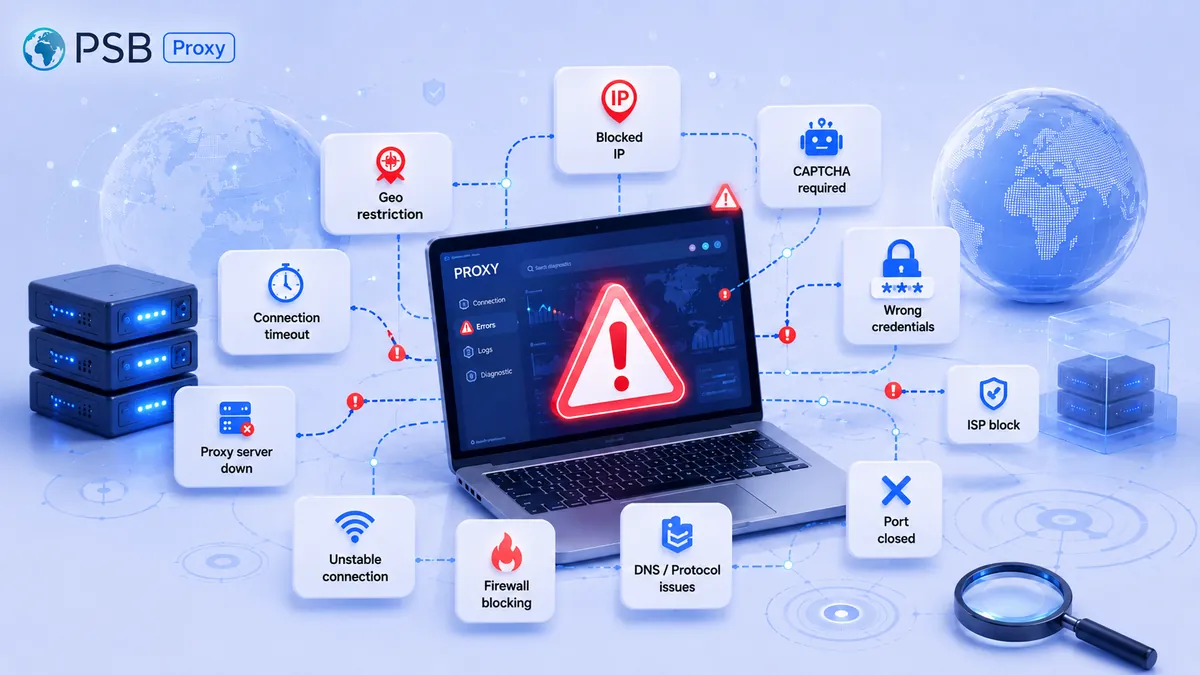
Why proxies don't work: 10 common causes of connection errors
Today, proxies are an indispensable tool for parsing, working with social networks, and ensuring privacy. But even the most reliable solutio
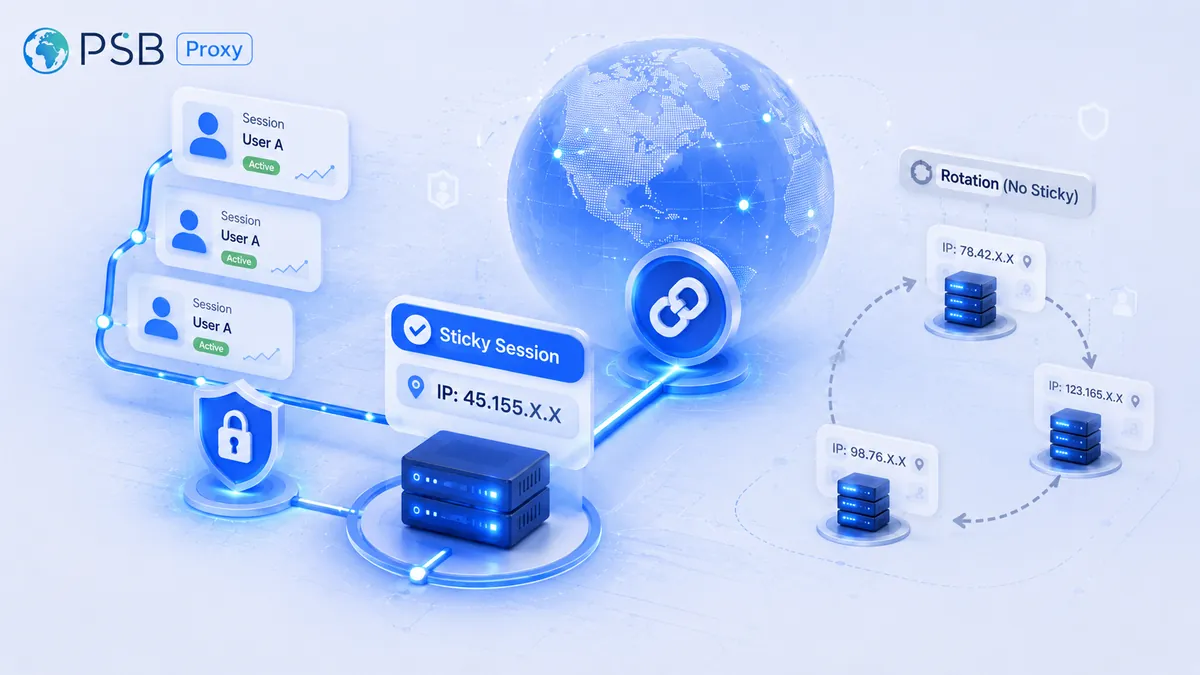
What Is a Sticky Session in a Proxy, and When Is It Better Than IP Rotation?
Website security systems now analyze not only the node’s IP address itself, but also request chains along with behavioral patterns. Therefor
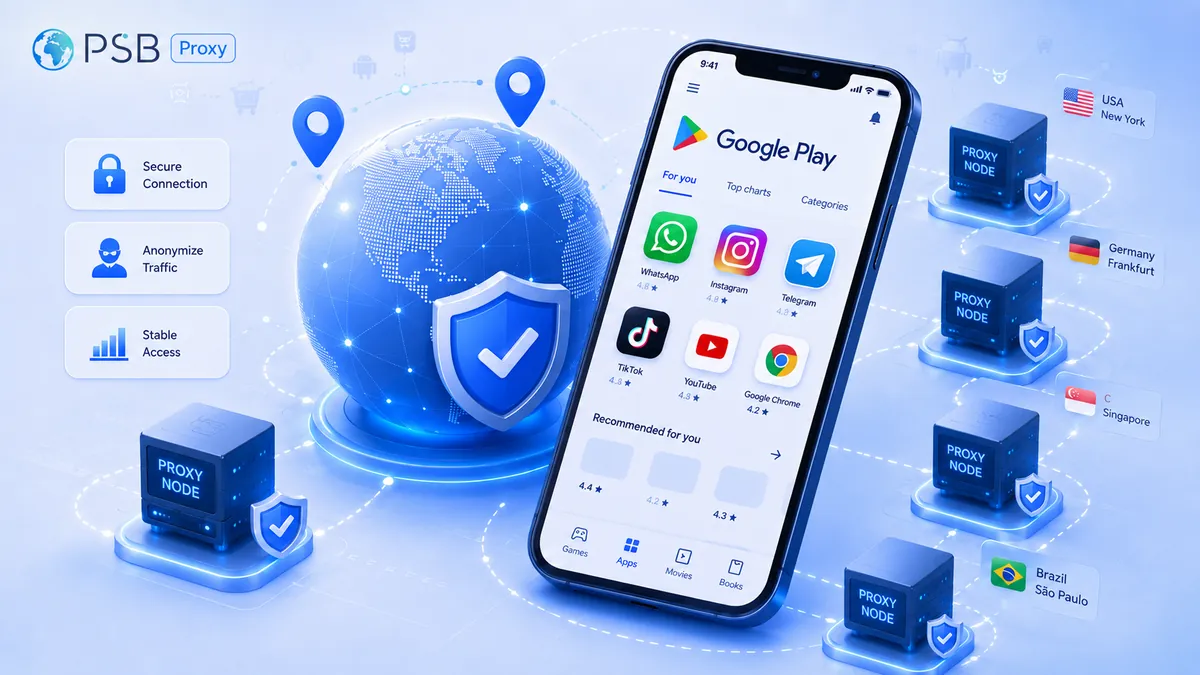
Proxies for Google Play: How to Check App Visibility, Localization, and Rankings in Different Countries
Development and marketing teams regularly check app visibility on Google Play, the accuracy of localization, and search rankings across diff
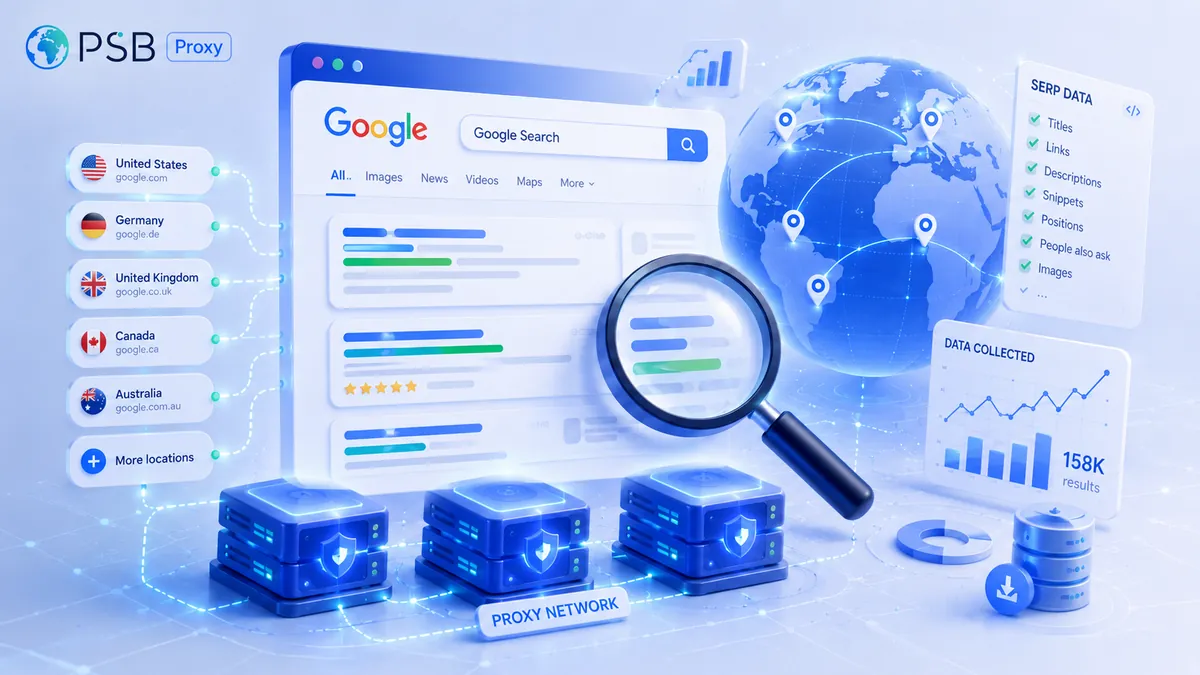
Proxies for Google Search and SERP Parsing: Which Ones to Choose to Reduce the Risk of Being Blocked
Parsing Google search results is central to most search marketing, SEO analytics, and competitor monitoring tasks. Collecting data on websit
Need reliable proxies?
Residential from $0.60/GB, mobile from $1.50/GB, datacenter from $0.50/GB, static from $1 per IP. 90M+ IPs in 195 countries.