


 Русский
IP Lookup
Enter an IP address to see its country, region, city, provider, ASN and network type: residential, mobile or datacenter. Works with IPv4 and IPv6.
Click “Lookup” to get information about an IP.
What IP Lookup shows
A short note on every field of the result. Details are in the sections below.
How IP lookup works
The tool matches the address against IP databases and returns the country, region, city, coordinates, provider, ASN and network type.
How to find information about an IP address
- 1Enter an IPv4, IPv6 address or a domain in the field at the top of the page.
- 2Click “Lookup”.
- 3See the country, city, provider, ASN and network type.
No need to type your own address — it is shown on the My IP page.
What data an IP reveals
| Field | Meaning | Accuracy |
|---|---|---|
| Country | Where the address is registered and used | High |
| Region and city | Approximate location from the IP database | Approximate |
| Coordinates | A point on the map — usually the center of a city or region | A reference, not an address |
| Provider | The company that owns the address | High |
| ASN | The provider network number | High |
| Network type | Residential, mobile or datacenter | Depends on the database |
| Domain (PTR) | The reverse DNS record of the address, if it exists | Not every IP has one |
How accurate is IP geolocation
The country is almost always right. The city is approximate: IP databases are built from registrar and provider data, and an address is sometimes listed under the city of an office or network node.
Mobile addresses are less precise: a carrier may route subscribers of a whole region through one node. The exact address of a person cannot be found from an IP.
What is an ASN
An ASN (autonomous system number) is the number of the network that owns a block of IP addresses: an ISP, mobile carrier, hosting company or large business. It shows whose address it is even when the provider name means nothing to you.
With proxies, the ASN helps you understand whose addresses you get — for example, addresses of a particular mobile carrier.
Residential, mobile or datacenter
| IP type | Owner | How websites see it | PSB proxies |
|---|---|---|---|
| Residential | A home internet provider | As a regular user | from $0.60/GB |
| Mobile | A mobile carrier | As a smartphone user; one IP is often shared by many subscribers | from $1.50/GB |
| Datacenter | A hosting or cloud provider | As a server; some websites check such addresses more strictly | from $0.50/GB |
| Static ISP | An ISP, but the address is reserved for you | As a home user with a permanent IP | $2 per IP a month |
Why check a proxy IP
- Make sure the proxy is in the right country and city.
- Check the network type: your task needs residential or mobile, not datacenter.
- Compare the provider and ASN with what was promised.
- See which region ads are shown from during ad verification.
IP lookup vs Whois
Whois shows the registration data of an address block: the owner organization, the range and network contacts. IP lookup gives a practical summary: where the address is, whose network it is and what type. For checking proxies, IP lookup is usually enough.
When it helps
PSB proxies let you choose the country, city and carrier — check the issued IP right here. Residential from $0.60/GB.
More tools
Frequently asked questions
Did not find the answer? Message our support in Telegram.
Contact supportHow accurate is IP lookup?
Can I find an exact address from an IP?
How do I tell whether an IP is a proxy or mobile?
Is IPv6 supported?
Can I find the owner of an IP?
Why was the city not detected?
Can IP lookup detect a proxy or VPN?
Can I check a domain?
Related articles
Crazyshops: Digital Goods in One Catalog and How to Set Up a Working Environment for Accounts
Teams in affiliate marketing, SMM and e-commerce constantly need digital resources: email inboxes, accounts on different platforms, software

Why Your Proxy Is Not Working
Most of the time a proxy "stops working" because of something small: a stray space in the login, the wrong protocol, or an IP address that i

Proxies for Google Ads in 2026: why a clean IP beats a “good account”
In 2026 Google Ads checks the combination of IP, device and account history before it cares about your ad copy. AI Max and tighter trust che
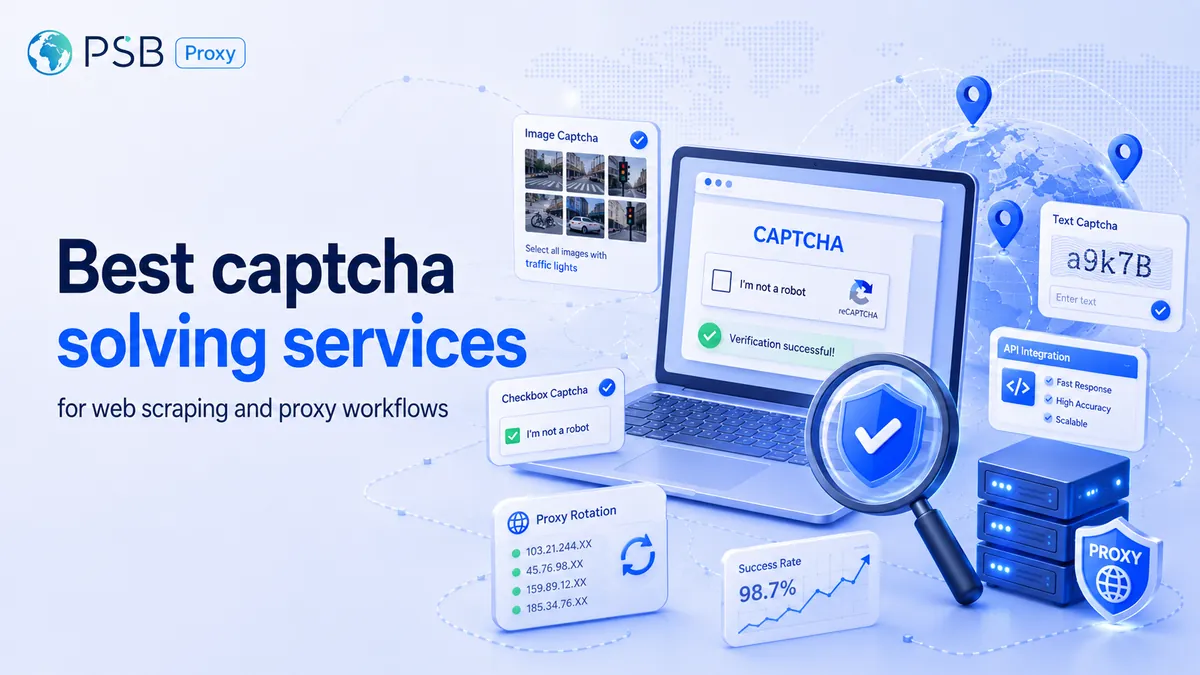
Best captcha solving services for web scraping and proxy workflows
A captcha solver and a proxy service handle different parts of the same scraping workflow. The proxy affects IP reputation, location, reque

Form, Chat, Quiz, or Callback: Which Website Tools Generate More Leads and Which Scenarios They Work Best In
Bringing a person to a website is only half the task. What happens next depends on how easy it is for them to take the next step. Some users
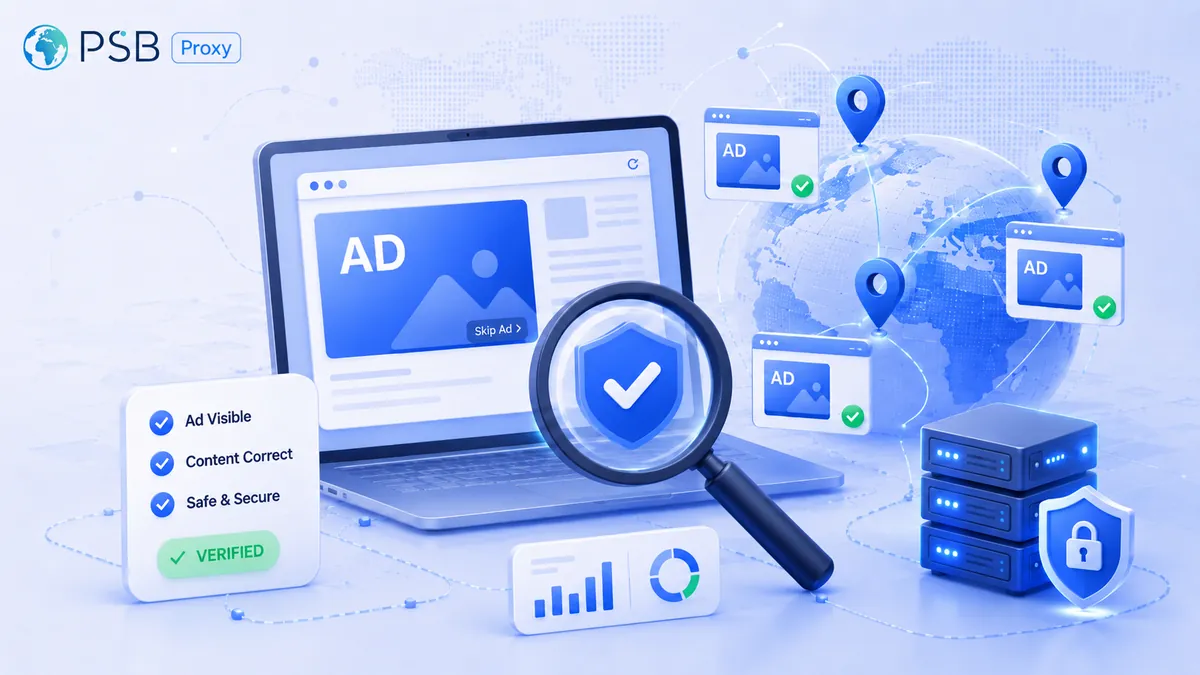
Ad verification: how to check ad impressions in different countries
When advertising is launched in several countries at once, the advertiser often sees only numbers in reports – impressions, clicks, reach. B
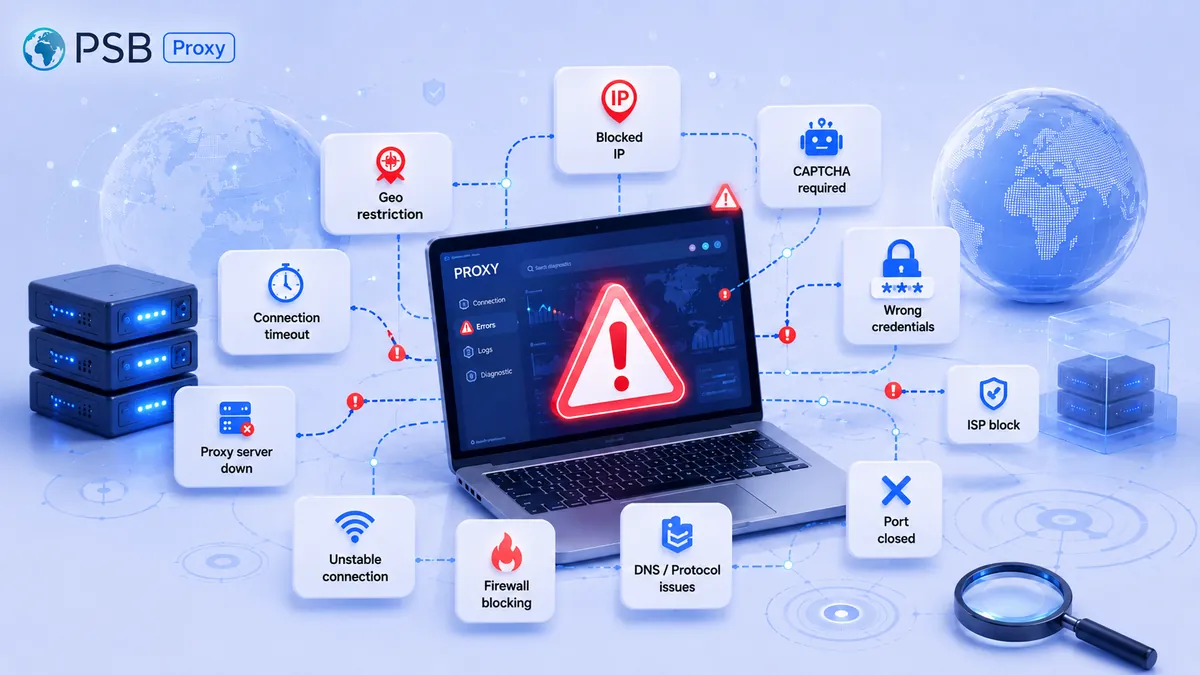
Why proxies don't work: 10 common causes of connection errors
Today, proxies are an indispensable tool for parsing, working with social networks, and ensuring privacy. But even the most reliable solutio
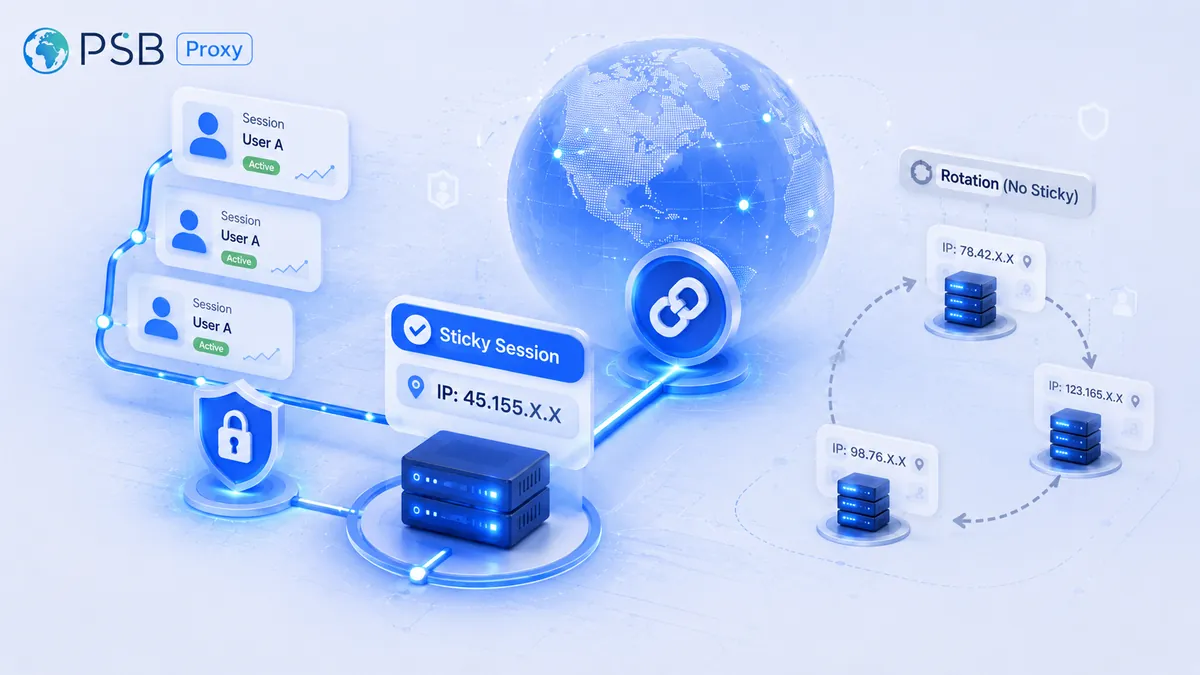
What Is a Sticky Session in a Proxy, and When Is It Better Than IP Rotation?
Website security systems now analyze not only the node’s IP address itself, but also request chains along with behavioral patterns. Therefor
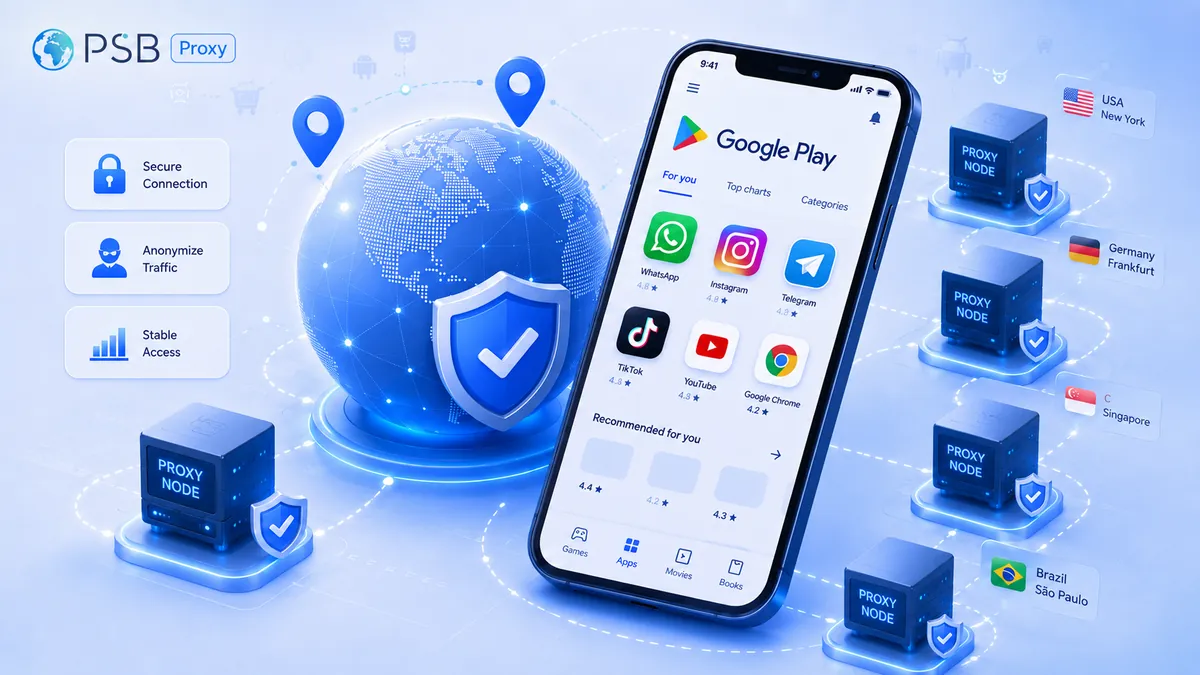
Proxies for Google Play: How to Check App Visibility, Localization, and Rankings in Different Countries
Development and marketing teams regularly check app visibility on Google Play, the accuracy of localization, and search rankings across diff
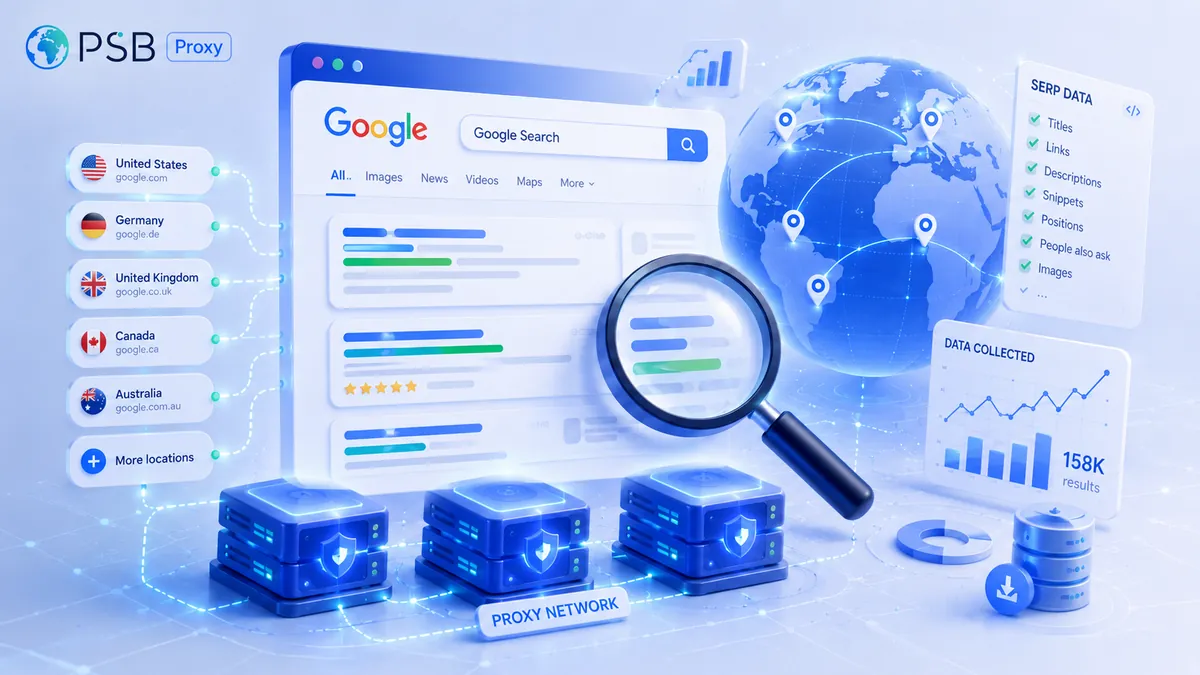
Proxies for Google Search and SERP Parsing: Which Ones to Choose to Reduce the Risk of Being Blocked
Parsing Google search results is central to most search marketing, SEO analytics, and competitor monitoring tasks. Collecting data on websit
Need reliable proxies?
Residential from $0.60/GB, mobile from $1.50/GB, datacenter from $0.50/GB, static from $1 per IP. 90M+ IPs in 195 countries.