


 Русский
IP and DNS Leak Test
Find out whether your connection exposes your real address: which DNS servers see your queries and whether WebRTC or IPv6 leak through your proxy or VPN.
What the DNS Leak Test shows
A short note on every field of the result. Details are in the sections below.
What is a DNS leak test
The test shows which DNS servers see your queries and checks WebRTC and IPv6 leaks. If the DNS server belongs to your ISP, websites see your real region even though your IP has changed.
How to run the DNS leak test
- 1Connect the proxy or VPN the same way you do for work.
- 2Click “Run test”.
- 3See the result: DNS servers, WebRTC and IPv6.
- 4If a leak is found, fix the settings and run the test again.
For accuracy the test sends several DNS queries — so every server they pass through is visible.
What is a DNS leak
When you open a website, the browser first looks up its IP through a DNS server. If the proxy is set for web traffic only, DNS queries may go directly — through your ISP DNS servers.
The website sees the proxy IP, while the DNS server sees your ISP in your country. That is the leak: your region and provider are exposed even though the IP has changed.
Which leaks the test finds
| Leak | How it happens | Risk |
|---|---|---|
| DNS | DNS queries go through your ISP, not the proxy | Your provider and region are visible |
| WebRTC | The browser reports connection addresses to the website via WebRTC | Your real IP may be visible |
| IPv6 | The proxy works over IPv4 while IPv6 traffic goes directly | IPv6 websites see your real address |
| DNS and IP country | DNS servers are in one country, the IP in another | Websites notice the mismatch |
DNS test: how to read the result
| Result | Meaning |
|---|---|
| Your ISP DNS servers | A leak: DNS queries bypass the proxy |
| DNS servers in the proxy country or public DNS | No leak |
| WebRTC shows your real IP | A browser leak |
| WebRTC shows the proxy IP or nothing | No leak |
| An ISP IPv6 address with the proxy connected | An IPv6 leak |
How to fix a DNS leak
DNS
- Use SOCKS5 with remote name resolution: in Firefox enable “Proxy DNS when using SOCKS v5”, in curl use socks5h://.
- In an antidetect browser make sure the proxy is set in the profile, not only in the system.
- If you use a VPN, enable its DNS leak protection.
WebRTC
- In an antidetect browser enable WebRTC spoofing to the proxy IP.
- In a regular browser restrict WebRTC in the settings or with an extension.
IPv6
- If the proxy works over IPv4 only, disable IPv6 in the network settings while working through the proxy.
When to check for DNS leaks
- After connecting a new proxy or VPN.
- Before working in a new antidetect browser profile.
- After a browser or system update.
- If websites show the wrong country or ask for extra verification.
Proxies without mismatches
To make the IP, DNS and time zone match, take proxies in the country you need and set up the profile for it. PSB has 90M+ IPs in 195 countries: residential from $0.60/GB, mobile from $1.50/GB, static ISP $2 per IP a month.
When it helps
Residential from $0.60/GB, mobile from $1.50/GB, static ISP — $2 per IP. SOCKS5 and HTTP(S).
More tools
Frequently asked questions
Did not find the answer? Message our support in Telegram.
Contact supportWhat is a DNS leak?
How do I reduce the risk of a leak?
Does a proxy hide DNS?
What is a WebRTC leak?
Do I need to disable WebRTC completely?
I use a public DNS — is that a leak?
Related articles
Crazyshops: Digital Goods in One Catalog and How to Set Up a Working Environment for Accounts
Teams in affiliate marketing, SMM and e-commerce constantly need digital resources: email inboxes, accounts on different platforms, software

Why Your Proxy Is Not Working
Most of the time a proxy "stops working" because of something small: a stray space in the login, the wrong protocol, or an IP address that i

Proxies for Google Ads in 2026: why a clean IP beats a “good account”
In 2026 Google Ads checks the combination of IP, device and account history before it cares about your ad copy. AI Max and tighter trust che
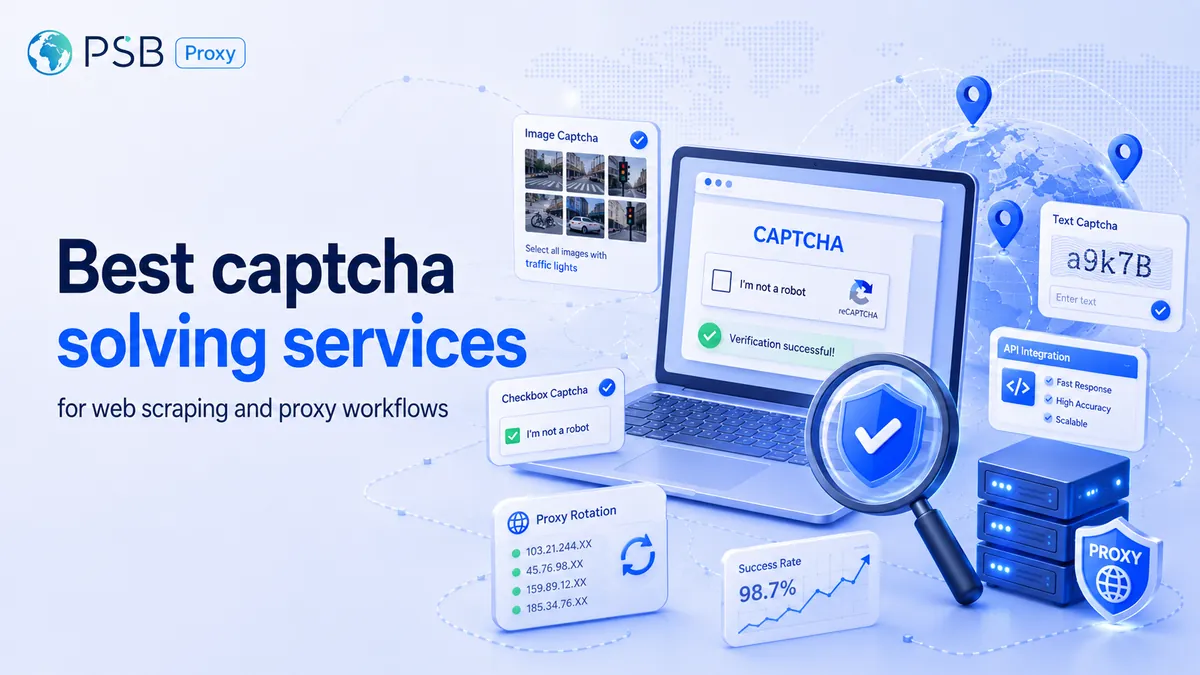
Best captcha solving services for web scraping and proxy workflows
A captcha solver and a proxy service handle different parts of the same scraping workflow. The proxy affects IP reputation, location, reque

Form, Chat, Quiz, or Callback: Which Website Tools Generate More Leads and Which Scenarios They Work Best In
Bringing a person to a website is only half the task. What happens next depends on how easy it is for them to take the next step. Some users

Ad verification: how to check ad impressions in different countries
When advertising is launched in several countries at once, the advertiser often sees only numbers in reports – impressions, clicks, reach. B
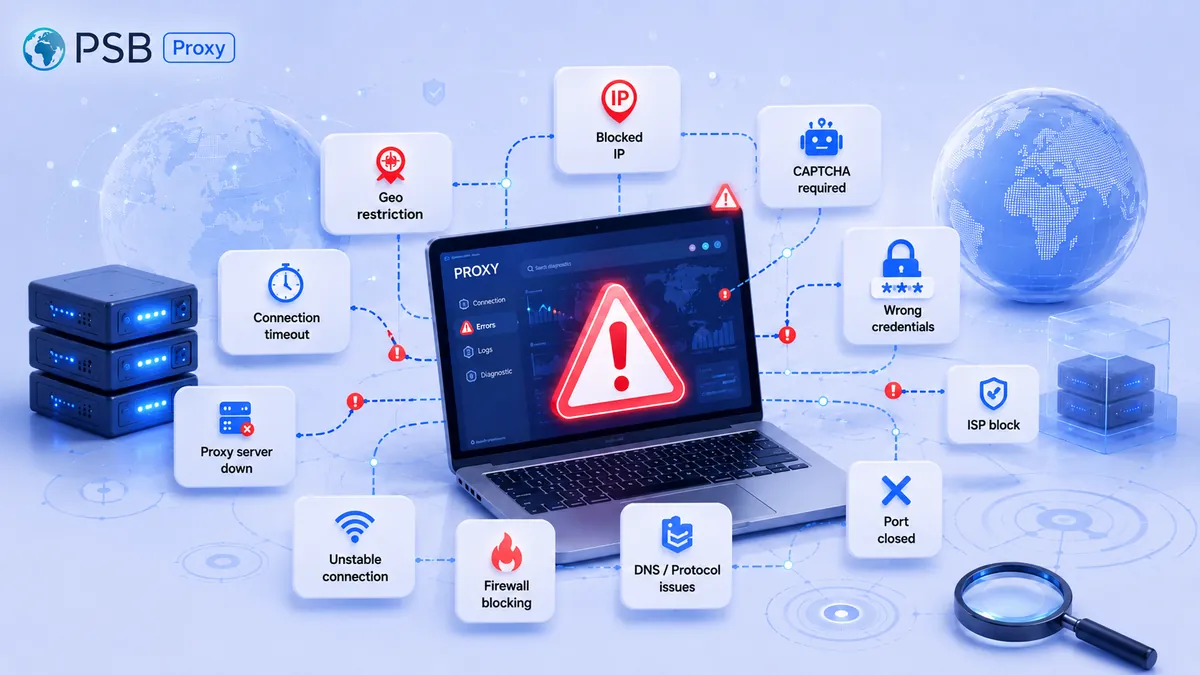
Why proxies don't work: 10 common causes of connection errors
Today, proxies are an indispensable tool for parsing, working with social networks, and ensuring privacy. But even the most reliable solutio
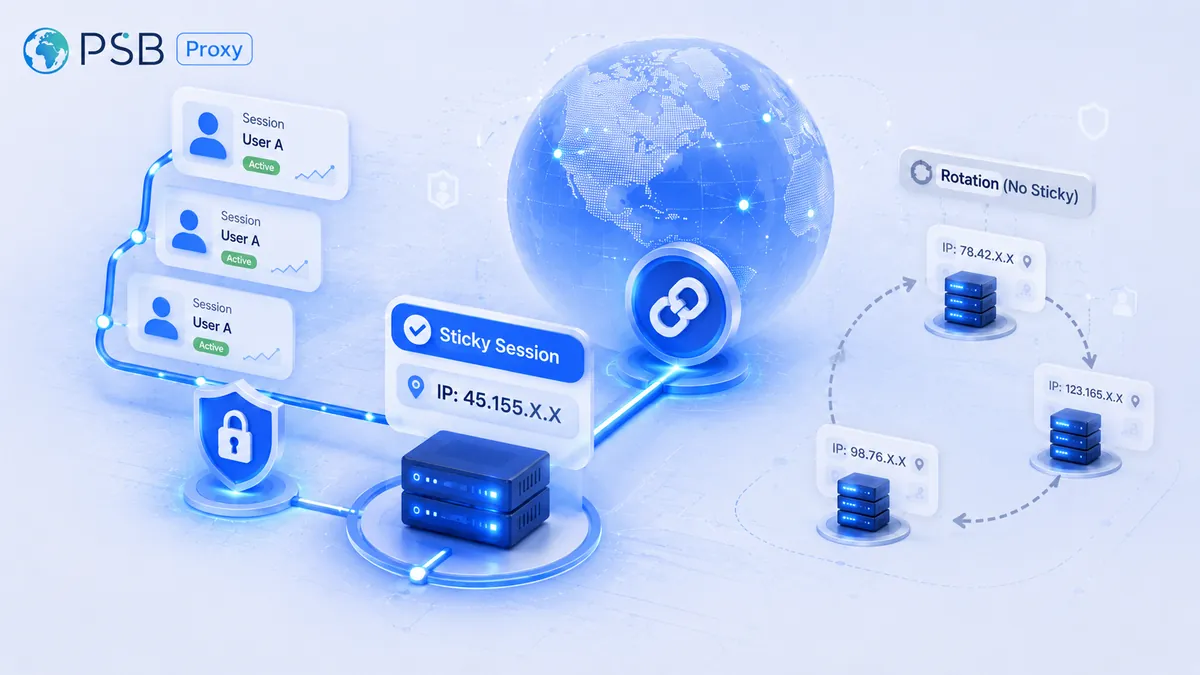
What Is a Sticky Session in a Proxy, and When Is It Better Than IP Rotation?
Website security systems now analyze not only the node’s IP address itself, but also request chains along with behavioral patterns. Therefor
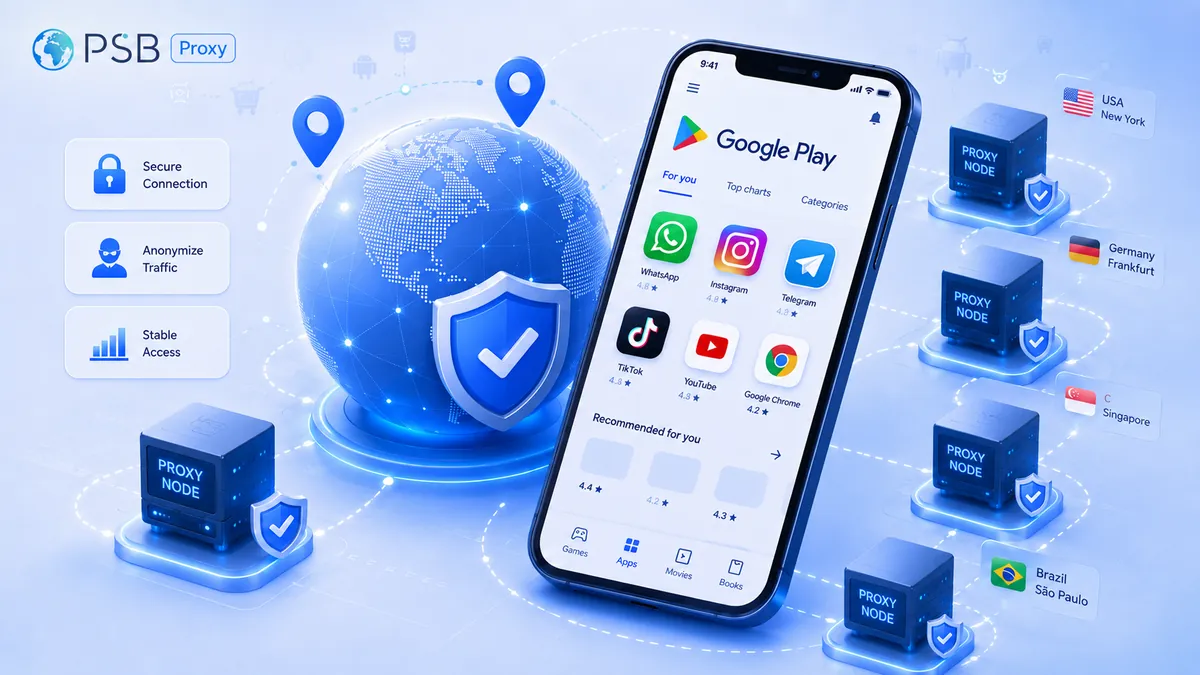
Proxies for Google Play: How to Check App Visibility, Localization, and Rankings in Different Countries
Development and marketing teams regularly check app visibility on Google Play, the accuracy of localization, and search rankings across diff
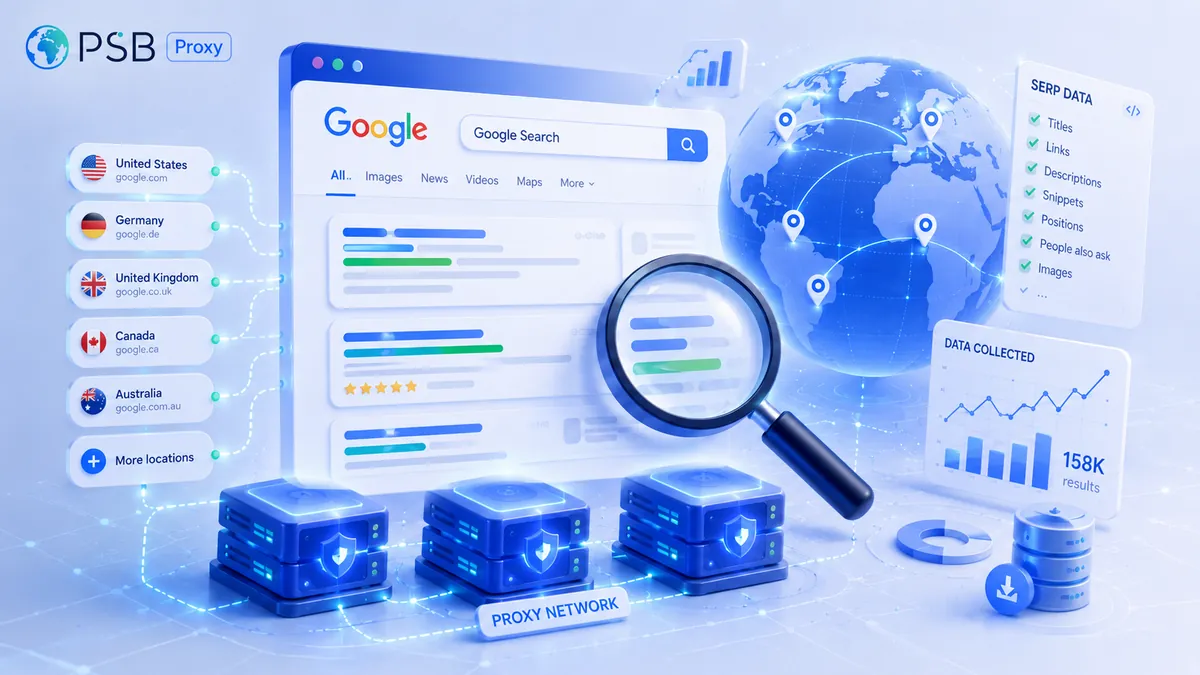
Proxies for Google Search and SERP Parsing: Which Ones to Choose to Reduce the Risk of Being Blocked
Parsing Google search results is central to most search marketing, SEO analytics, and competitor monitoring tasks. Collecting data on websit
Need reliable proxies?
Residential from $0.60/GB, mobile from $1.50/GB, datacenter from $0.50/GB, static from $1 per IP. 90M+ IPs in 195 countries.